
Powerful WordPress WhatsApp Chat & Automation
Equip your site with the best WhatsApp plugin for WordPress. Connect with visitors instantly, automate WooCommerce notifications, and recover lost sales with ease.
🚀 Download Smart WhatsApp Plugin
Includes Floating WhatsApp Button, CRM Integration, and Abandoned Cart Recovery.
Download on WordPress.orgVersion 1.0.1 • GPLv2 Licensed • Requires WordPress 5.8+








See how it works on your Customer's Phone
Real examples of high-converting WhatsApp notifications sent via OnlineLiveSupport.
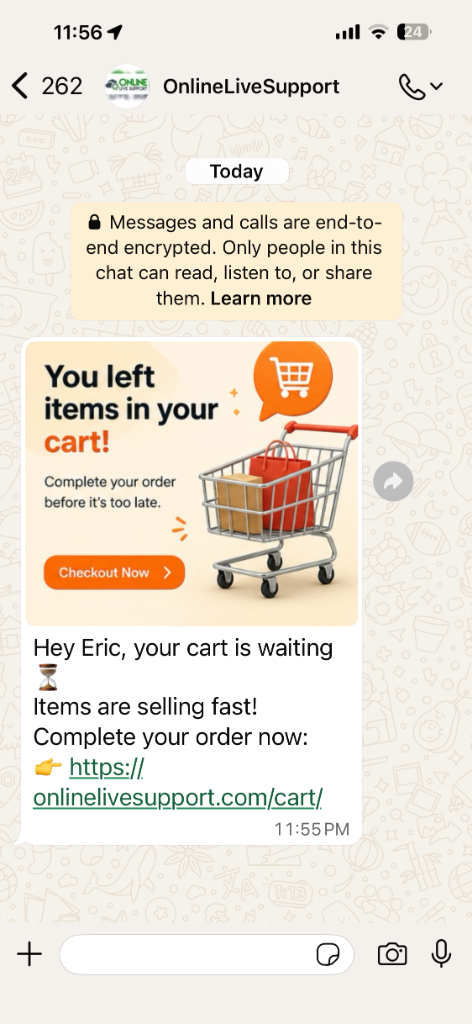
Cart Abandonment Recovery
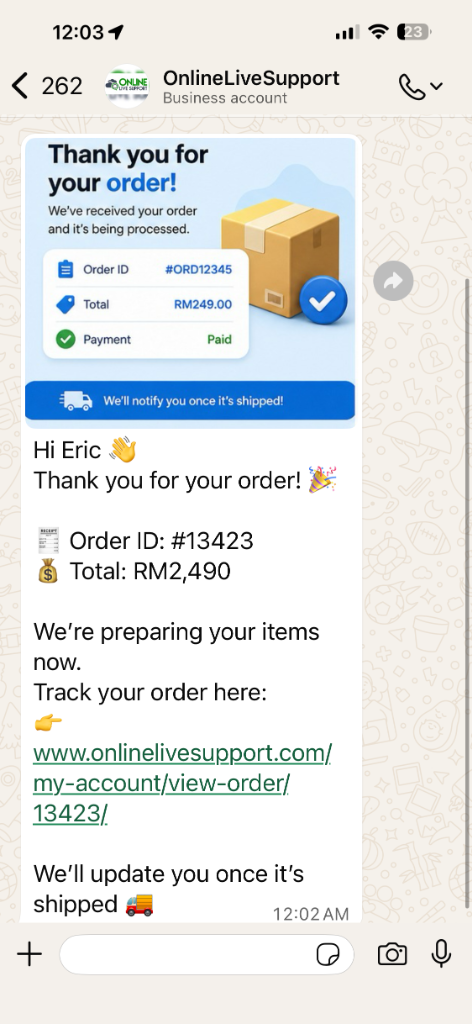
Order Confirmation
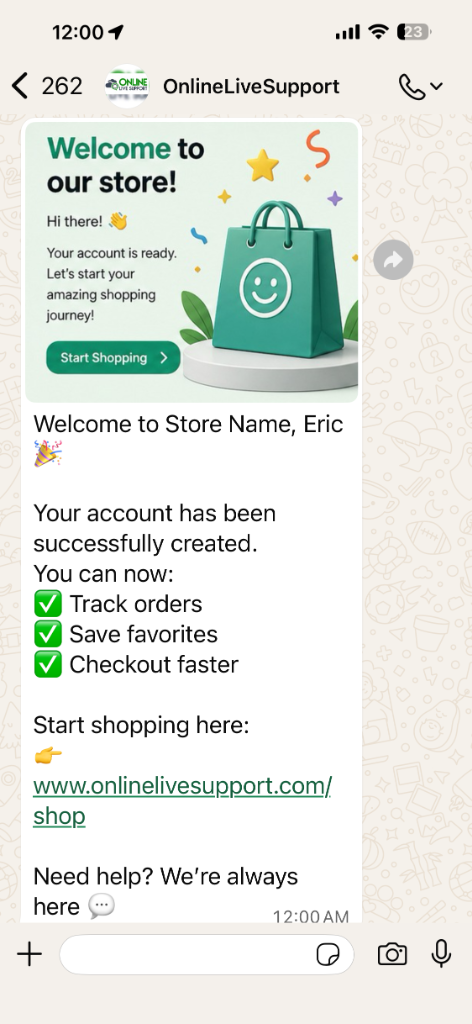
New User Welcome
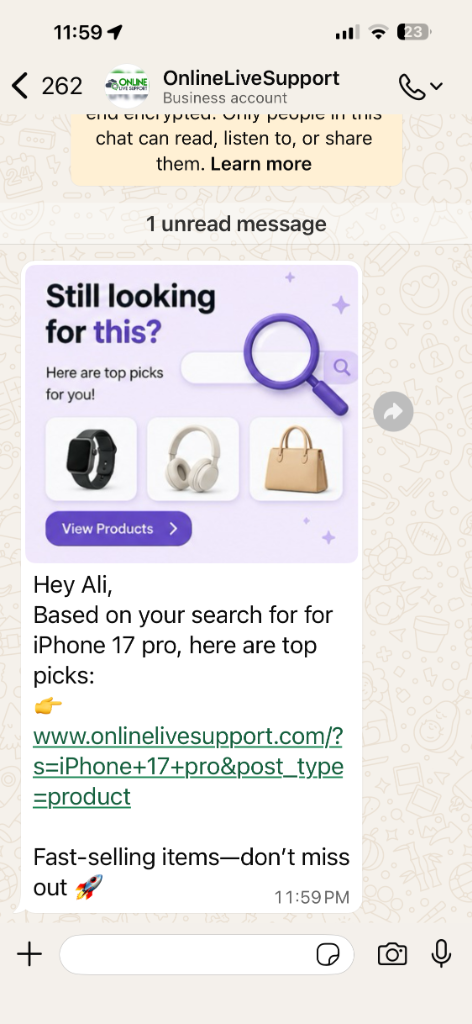
Search Intent Recovery
Everything you need for WordPress WhatsApp
Our plugin is more than just a chat button. It's a complete communication and marketing suite for your WordPress site.
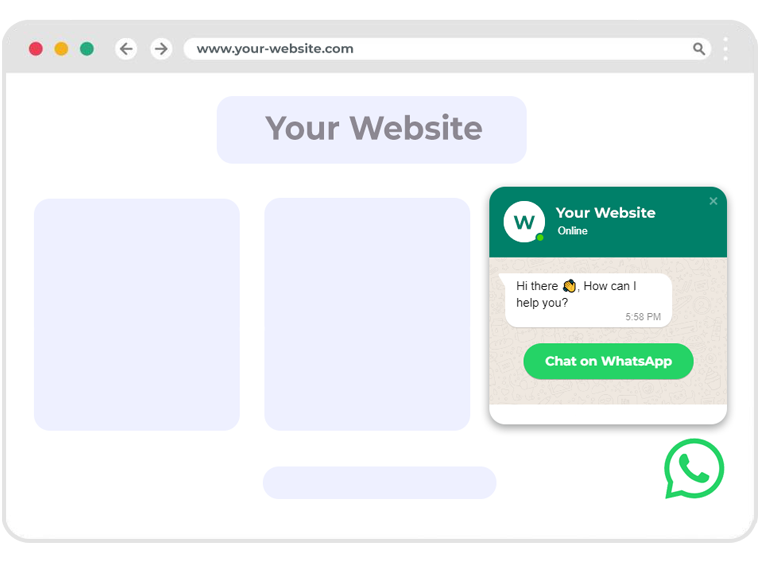
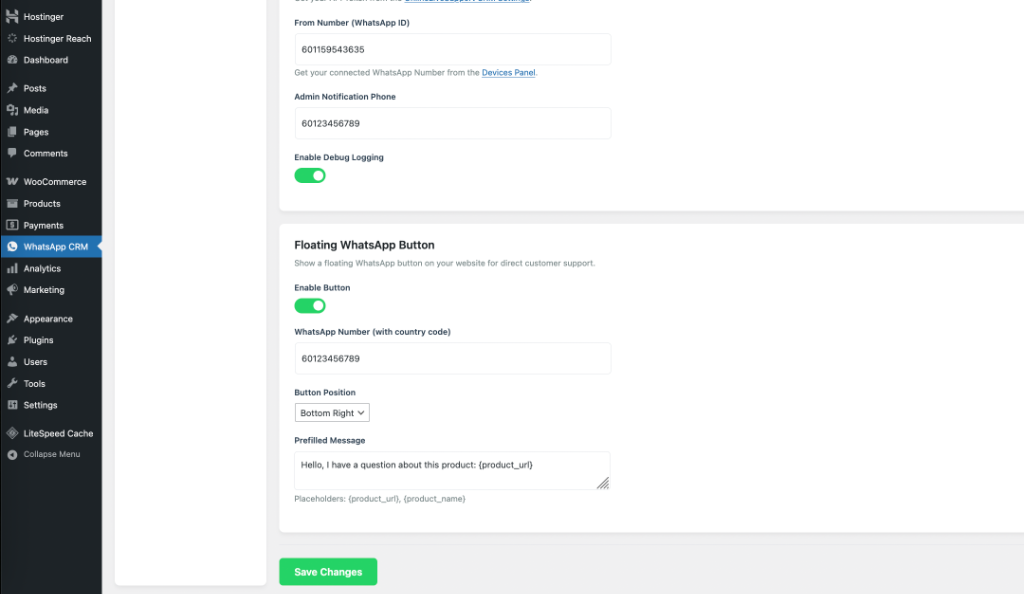
3D Floating WhatsApp Button
Add a premium, high-converting floating button to your site. Capture leads 24/7 with a 3D effect that stands out.
- Customizable Button Position
- Prefilled Messages with URL Tags
- 100% Mobile Responsive
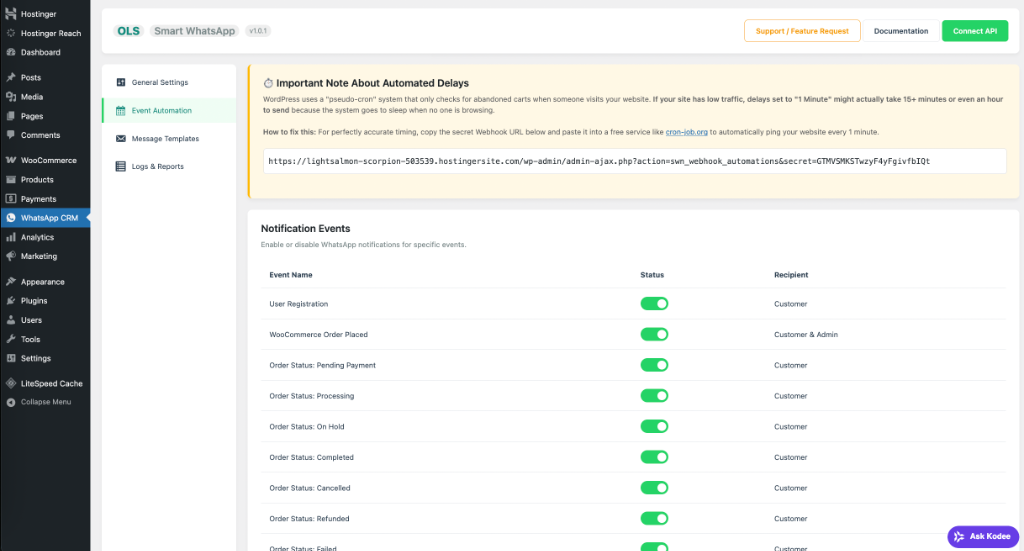
Automated Notification Events
Never miss a lead. Automatically send WhatsApp messages for user registrations, order status updates, and more.
- User Registration Welcomes
- WooCommerce Order Status Updates
- Admin Status Notifications
Cart & Search Abandonment
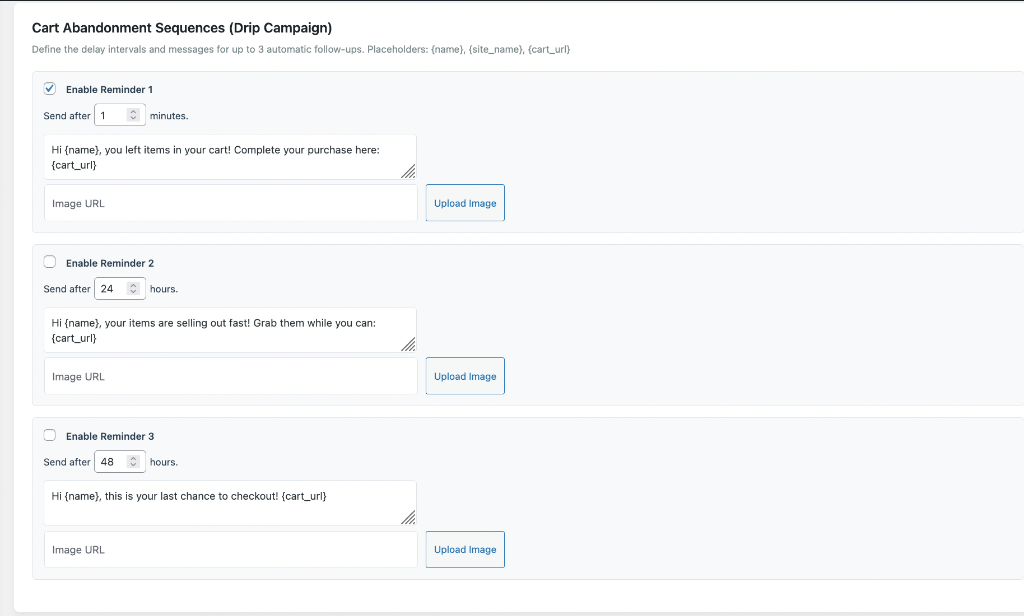
Recover up to 40% of lost sales. Set up 3-step drip campaigns to remind customers about their items.
- Automated Drip Campaigns
- Personalized {cart_url} Placeholders
- Search Intent Re-engagement
Message Templates & Customization
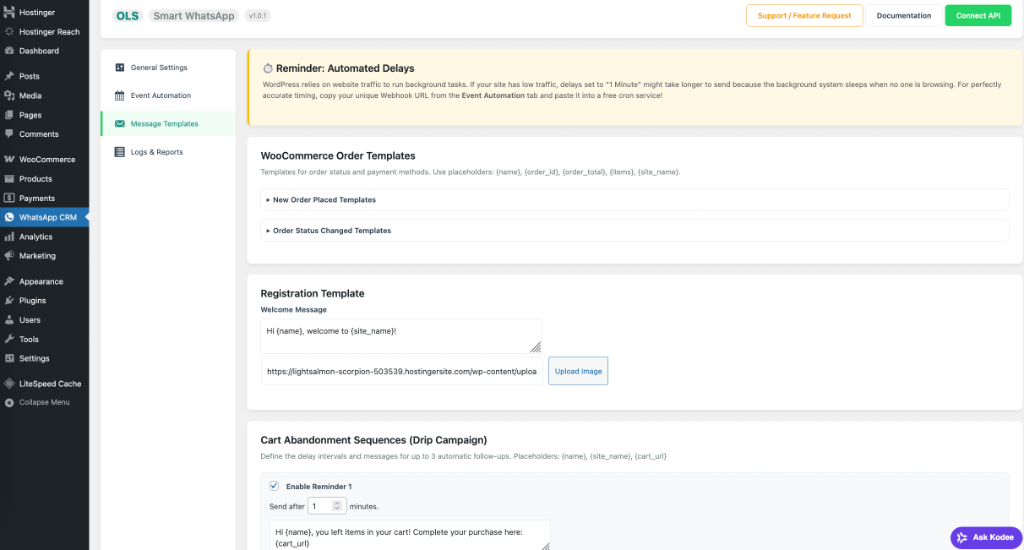
Personalize every interaction. Use our intuitive template builder to craft the perfect message for every customer event.
- Dynamic Data Placeholders
- Multi-language Support
- Media Attachment Support
Loved by 1,000+ Businesses
See why users choose OLS for their WordPress WhatsApp integration.
"The platform’s reliability is unmatched—no glitches, just smooth operations. Plus, their customer support team is stellar."

"Using eCommerce automations by using Online Live Support, it manage to improve the conversations more than 40%."

"Awesome service. Excellent support! The best WordPress WhatsApp chat plugin I've used."

WordPress WhatsApp FAQ
Common questions about adding WhatsApp to your WordPress site.
How to add WhatsApp button on WordPress site?
Simply install our Smart WhatsApp plugin, navigate to the "Floating WhatsApp Button" settings, enter your number, and click Save. The button will appear instantly on your site.
How to add WhatsApp icon in WordPress?
Our plugin adds a premium WhatsApp icon that floats at the bottom of your screen. You can customize the icon's position and appearance from the admin dashboard.
How to install WhatsApp shortcode on WordPress?
The Smart WhatsApp plugin handles everything without shortcodes. However, if you need a specific button inside a post, our floating widget is the recommended high-conversion method.
How to send WhatsApp notification from WordPress forms?
Our plugin integrates with standard WordPress forms. When a user submits a form, you can trigger an automated WhatsApp notification to either the user or your admin team.
Does this require a WhatsApp Business API?
This plugin works seamlessly with the OnlineLiveSupport WhatsApp API gateway. You can connect your existing number via QR code in under 60 seconds.