Powerful Shopify WhatsApp automation & CRM
Connect WhatsApp to your Shopify store for WhatsApp marketing Shopify teams love: Shopify order notification WhatsApp flows, WhatsApp abandoned cart Shopify recovery, a high-converting Shopify WhatsApp button / chat widget, and a WhatsApp shared inbox Shopify for support—backed by Shopify WhatsApp API options and QR login.
Looking for deep intent coverage? OLS also helps with how to send WhatsApp order notifications from Shopify, best WhatsApp abandoned cart app for Shopify style journeys, automate Shopify abandoned cart recovery with WhatsApp, connect WhatsApp to Shopify store onboarding, Shopify WhatsApp CRM for customer support, WhatsApp automation for Shopify orders, and Shopify cart recovery automation—without custom code.
Install OLS WhatsApp for Shopify
Start recovering abandoned carts and automating customer alerts today.
OnlineLiveSupport is now officially published on the Shopify App Store! Get started immediately with a 3-day free trial.
Install from Shopify App StoreWorks seamlessly with the OnlineLiveSupport CRM dashboard








See how it works on your customer’s phone
Real examples of high-converting WhatsApp notifications for ecommerce—perfect for Shopify WhatsApp notifications and retention.
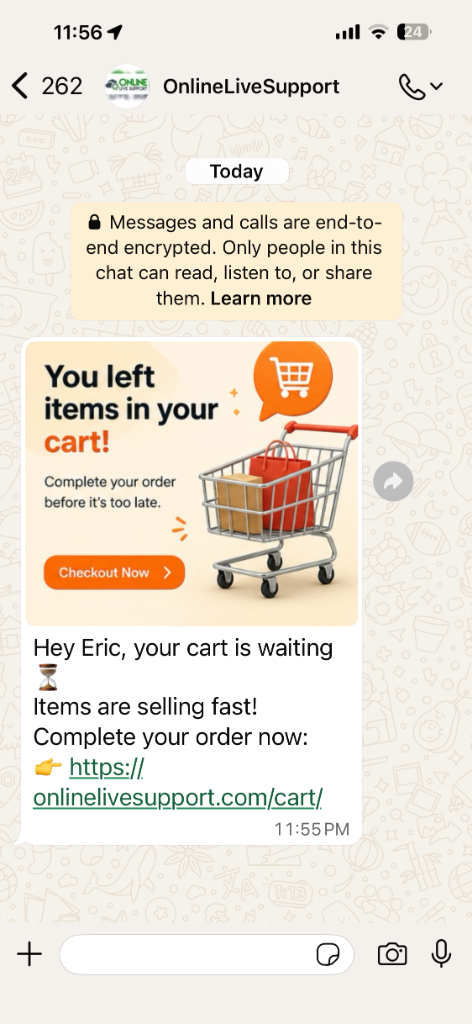
Abandoned cart recovery
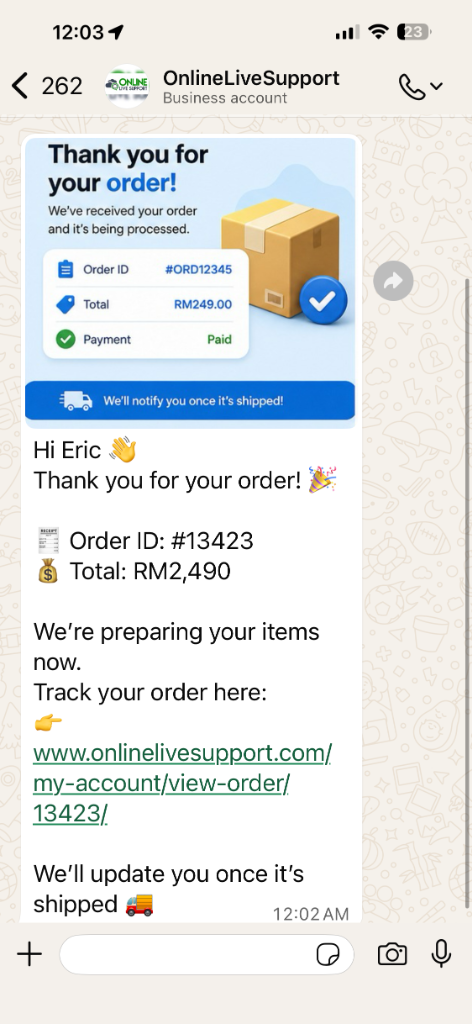
Order confirmation
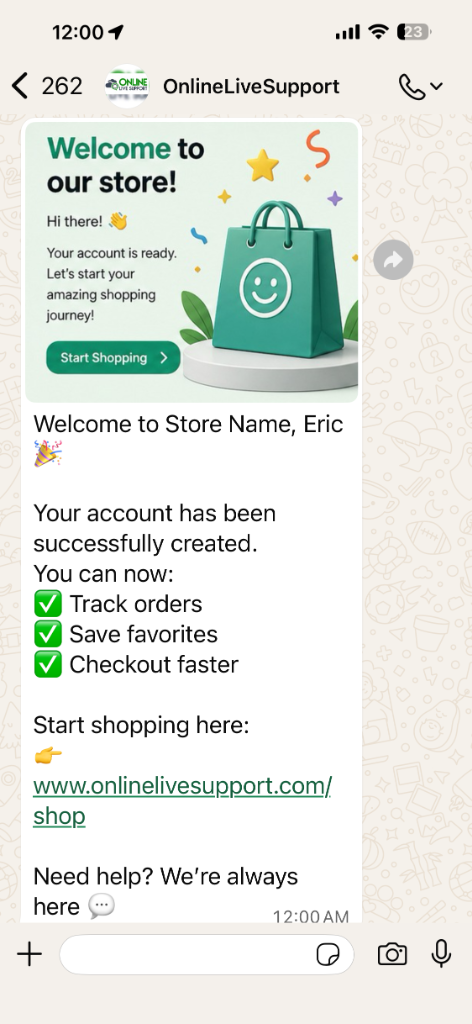
New customer welcome
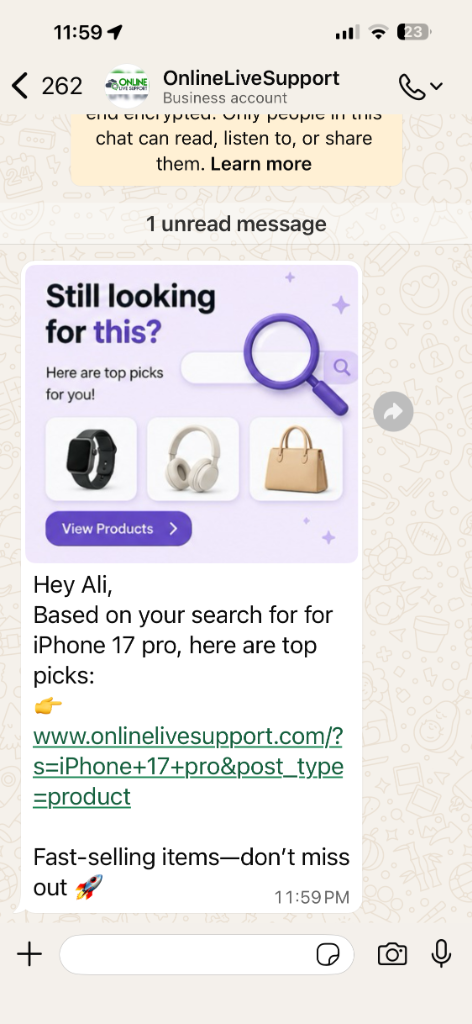
Re-engagement
Everything you need for WhatsApp on Shopify
The best WhatsApp app for Shopify-style workflows: storefront widget, Shopify WhatsApp automation, and WhatsApp customer support Shopify in one stack.
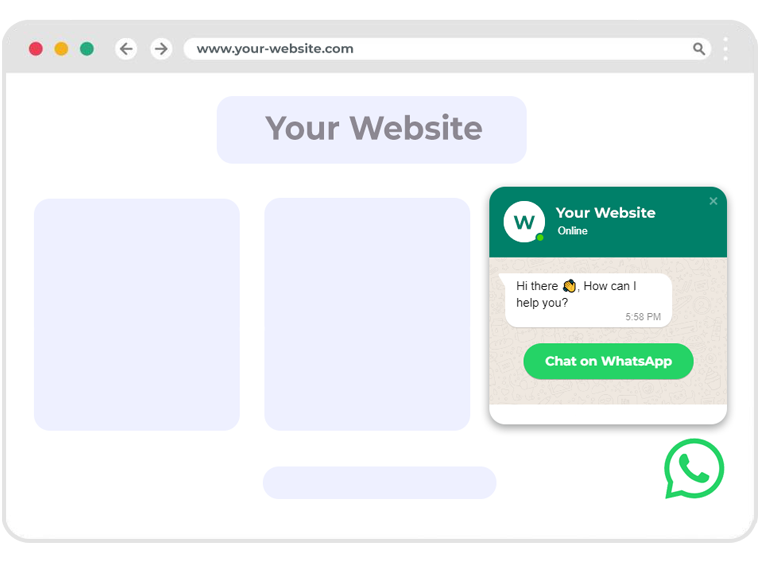
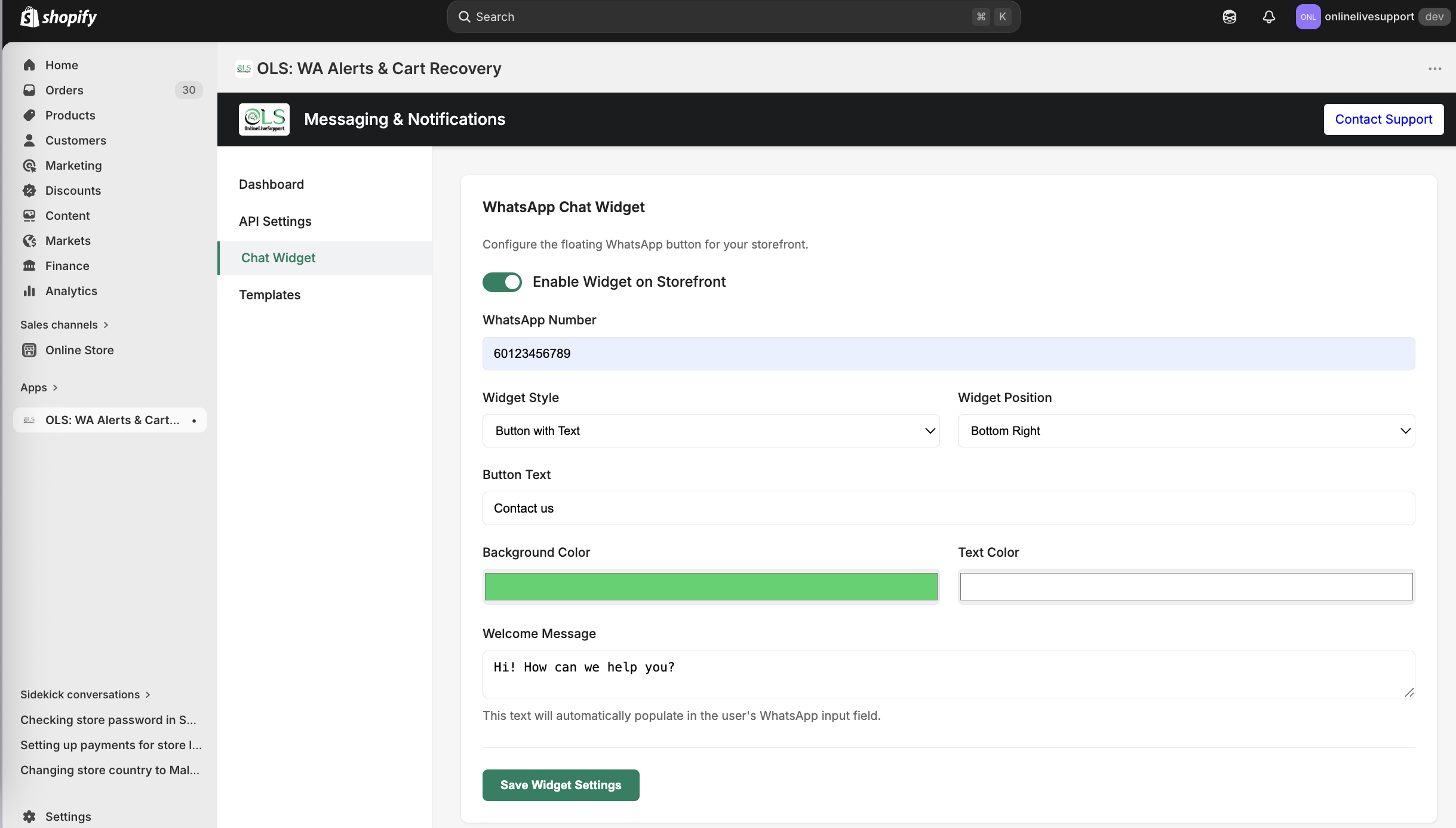
Shopify WhatsApp button & chat widget
Add a floating Shopify WhatsApp business entry point visitors actually use. Ideal when shoppers ask how to add WhatsApp to Shopify experiences without friction.
- Custom position & greeting
- Prefilled messages with page context
- Mobile-first storefront experience
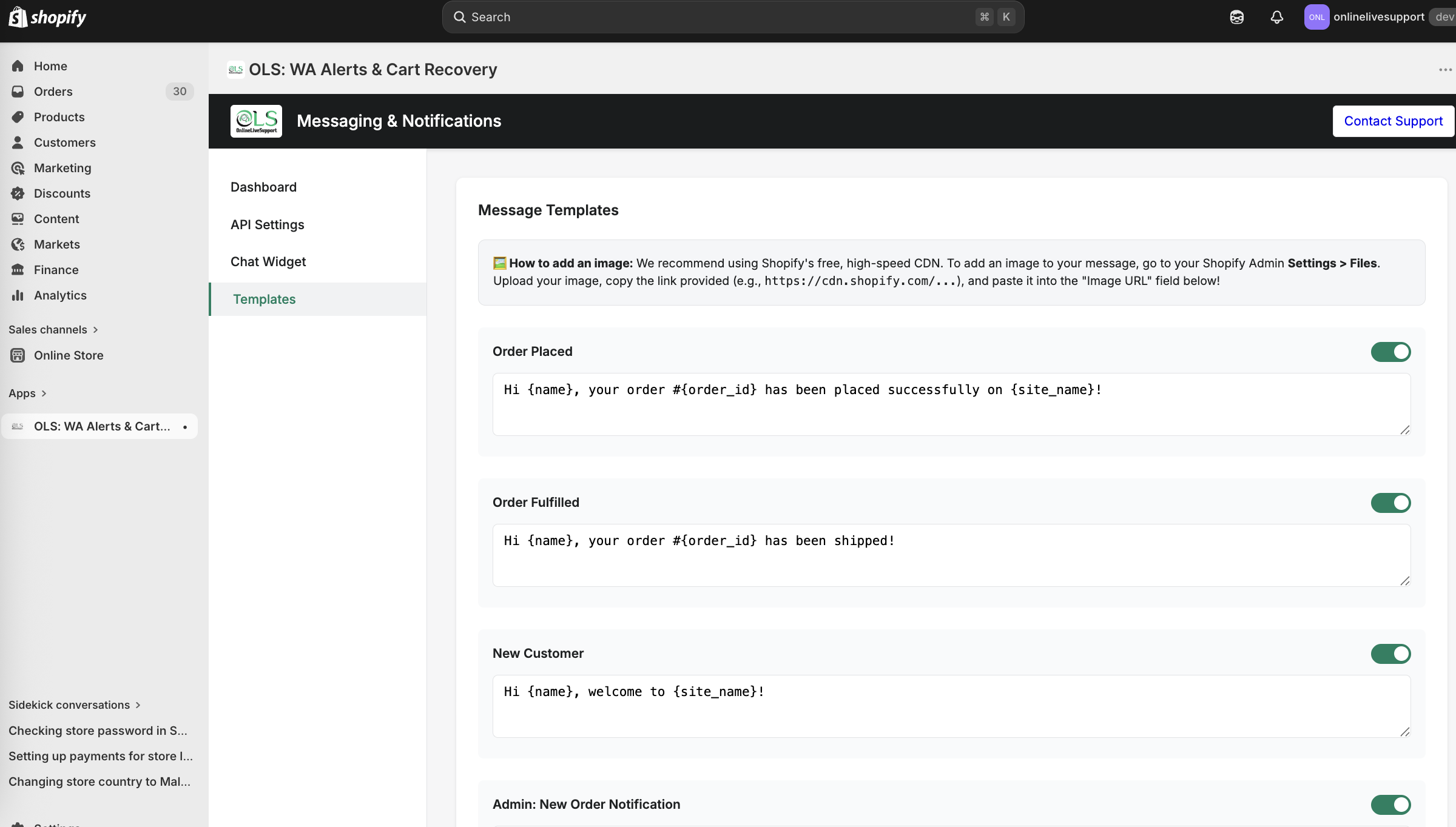
Shopify order notification WhatsApp
Automate transactional updates so buyers always know what’s next—core to shopify and whatsapp integration for trust and fewer WISMO tickets.
- Order confirmations
- Payment updates
- Shipping, delivery & fulfillment alerts
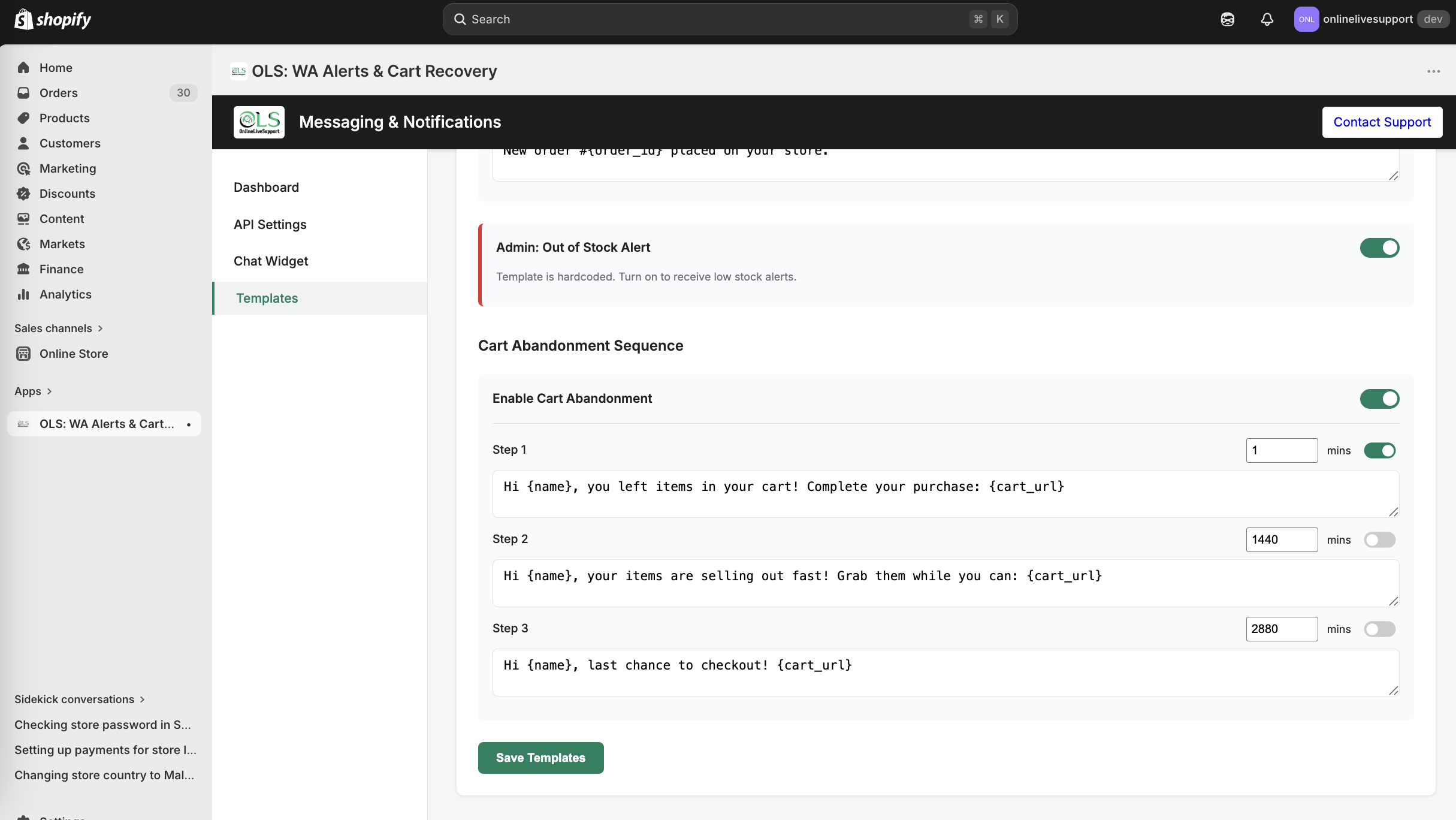
Shopify WhatsApp cart recovery
Turn browse into buy with Shopify WhatsApp cart recovery sequences—similar to leading WhatsApp sales automation Shopify playbooks.
- Multi-step reminders
- Checkout links & dynamic placeholders
- Replies routed to your team inbox
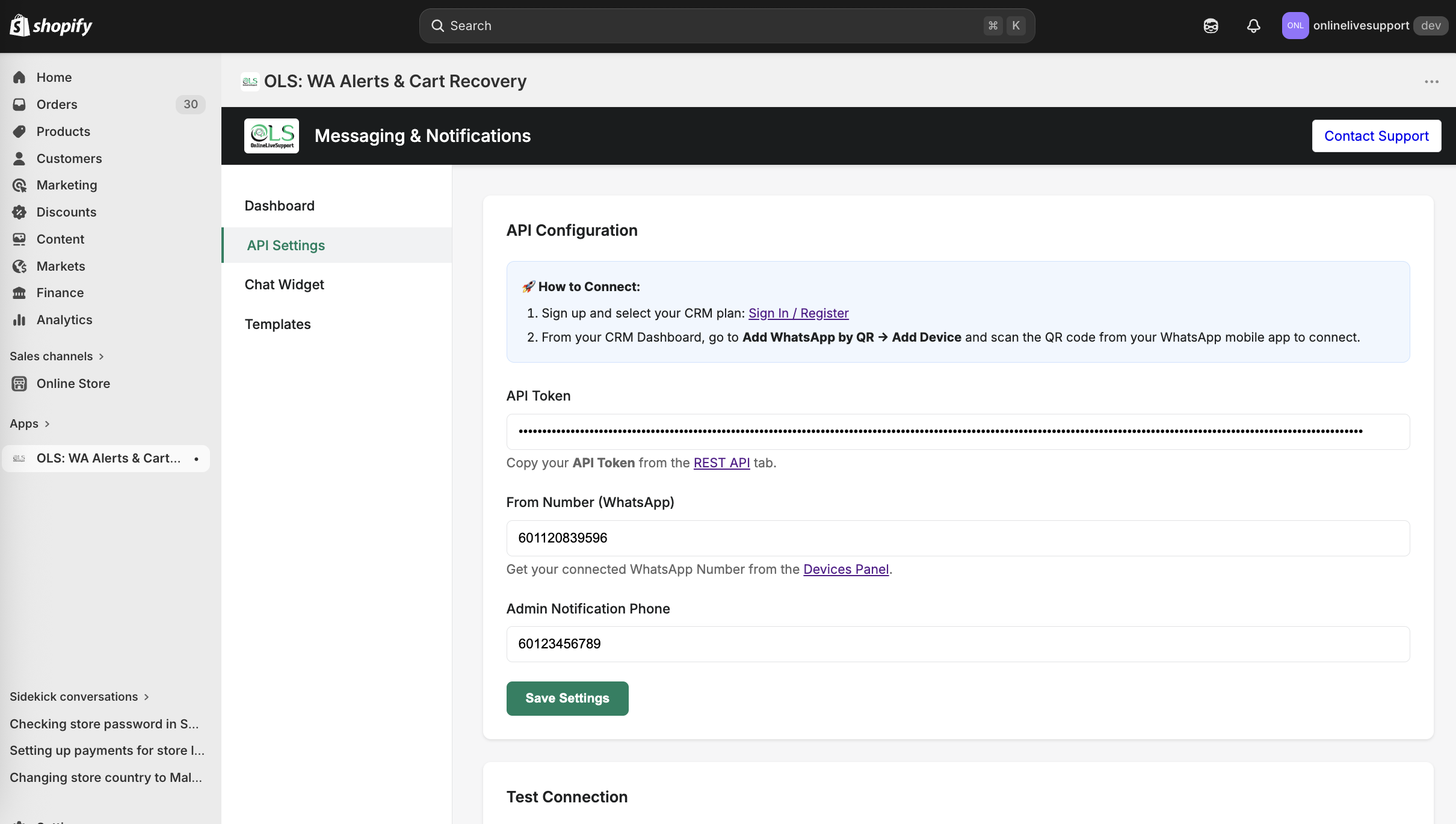
Shopify WhatsApp API & QR Settings
Configure your connection in seconds: choose between rapid QR code syncing or the official Meta Cloud API with high message limits.
- Zero approval delay QR syncing
- Direct Meta Cloud API hosting
- Shared developer API keys
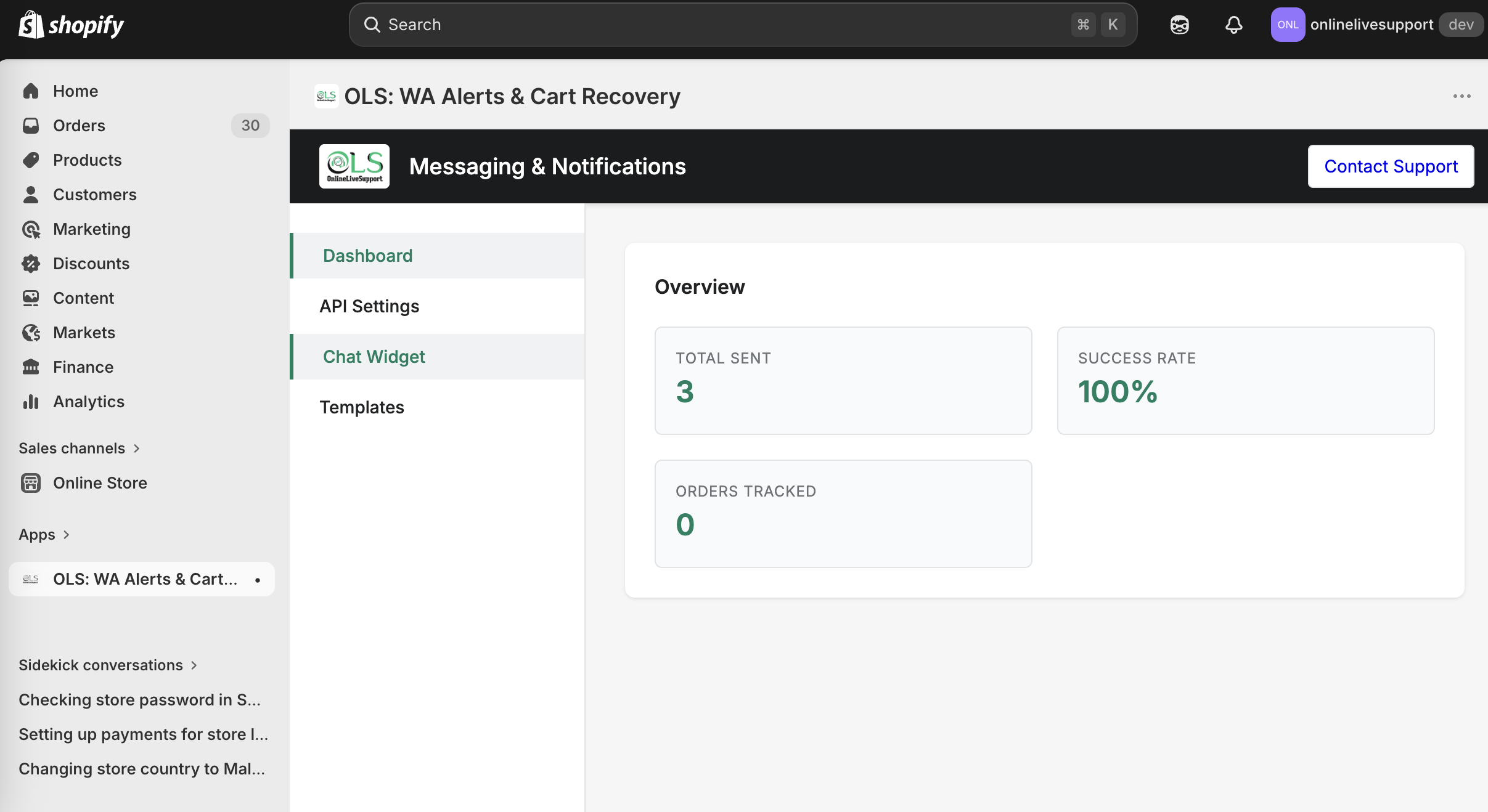
WhatsApp CRM Shopify + AI
Shopify CRM WhatsApp integration for teams: Shopify WhatsApp chatbot flows, broadcasts, and a Shopify customer messaging app experience inside OLS.
- Shared inbox & agent assignment
- AI chatbot & smart replies
- WhatsApp broadcast campaigns
Loved by 1,000+ businesses
Merchants use OLS for whatsapp shopify style automation, support, and revenue recovery.
“The platform’s reliability is unmatched—no glitches, just smooth operations. Plus, their customer support team is stellar.”

“Using eCommerce automations by using Online Live Support, it manage to improve the conversations more than 40%.”

“Awesome service. Excellent support! The best stack we’ve used for WhatsApp automation alongside our store.”

Shopify WhatsApp FAQ
Answers for merchants comparing WhatsApp Shopify app options and Shopify WhatsApp integration setups.
How to add WhatsApp to Shopify?
Install the OLS app directly from the Shopify App Store, connect your OnlineLiveSupport workspace, and authorize Shopify. Then enable the storefront widget and automations from the OLS dashboard.
How to add WhatsApp button on Shopify?
After your store is connected, enable the floating WhatsApp chat widget in OLS, set your business number and greeting, and publish. The button appears across your theme without manual theme edits.
What does OLS WhatsApp CRM do for Shopify?
OLS connects your Shopify store with WhatsApp to automate customer notifications, recover abandoned carts, manage customer replies in one shared inbox, and improve communication through AI-powered automation.
Can I recover abandoned carts using WhatsApp?
Yes. OLS automatically sends abandoned cart reminders through WhatsApp and lets customers reply directly to your team for faster recovery and engagement.
Does OLS support WhatsApp API integration?
Yes. OLS supports both official WhatsApp Business API and QR-based WhatsApp connection depending on your business needs.
Can customers reply to automated WhatsApp messages?
Yes. All customer replies appear inside your shared CRM inbox, allowing your team to respond instantly and continue the conversation.
Does OLS work with Shopify order notifications?
Yes. You can automate order confirmations, payment updates, shipping alerts, delivery updates, and fulfillment notifications directly through WhatsApp.
Can my team manage conversations together?
Yes. OLS includes a shared team inbox where multiple agents can manage, assign, and respond to customer conversations collaboratively.
Does OLS include AI automation?
Yes. OLS includes AI chatbot workflows, automated replies, customer qualification flows, and smart response automation.
How long does setup take?
Most merchants can connect WhatsApp and activate automation within minutes.
Does OLS support broadcast campaigns?
Yes. You can create and send WhatsApp campaigns for promotions, follow-ups, and customer engagement directly from the CRM dashboard.
Is coding required?
No. OLS is designed for no-code setup and works directly through a simple dashboard interface.