The Official
WhatsApp Node.js API Integration
Stop wrestling with whatsapp-web.js, Baileys, and unofficial npm packages. Build your Node.js WhatsApp bot using OnlineLiveSupport's official REST API — no ban risk, no maintenance headaches, just clean HTTP calls from your Node.js app.
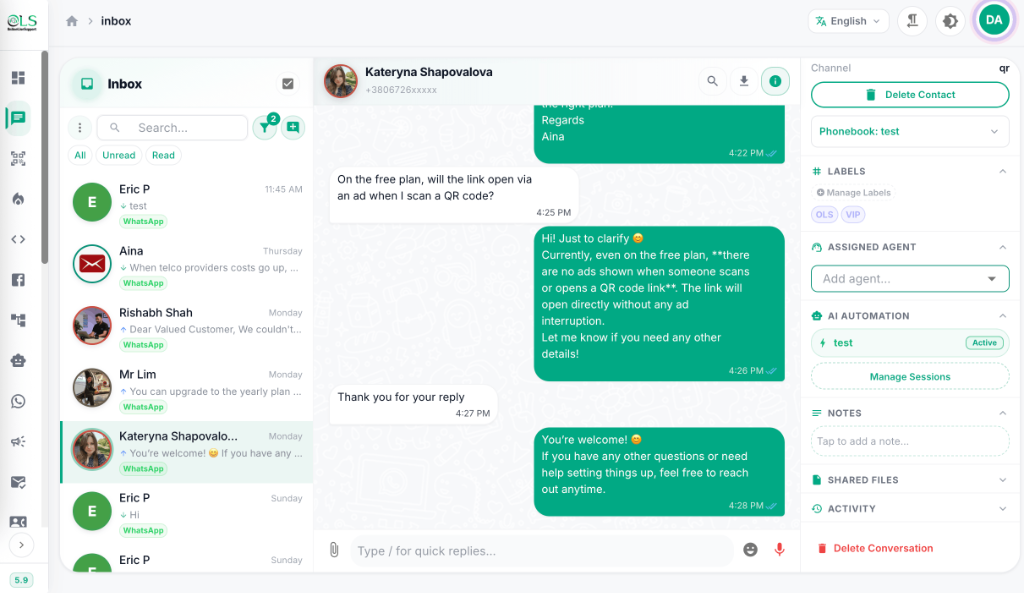








WhatsApp Node.js Integration in 2 Steps
No npm package to install. No whatsapp-web.js setup. No Baileys configuration. Just clean REST API calls from your Node.js app.
Step 1: Get Your API Token
- Sign up at crm.onlinelivesupport.com — free 3-day trial, no credit card.
- Connect your WhatsApp number via QR Code (instant) or Official Meta WABA API.
- Navigate to the REST API tab and copy your API Token — your nodejs whatsapp integration key.
- No
npm install whatsapp-web.js, no Puppeteer, no browser automation required.
Step 2: Send WhatsApp from Node.js
Use Node.js fetch or axios to send WhatsApp messages via HTTP POST. Here is your WhatsApp Node.js example:
const axios = require('axios');
async function sendWhatsApp(to, message) {
const response = await axios.post(
'https://crm.onlinelivesupport.com/api/send-message',
{ to, message },
{ headers: { 'Authorization': `Bearer YOUR_API_TOKEN` } }
);
return response.data;
}
// Send a WhatsApp message from Node.js
sendWhatsApp('60123456789', 'Hello from Node.js! 👋');
- Works with Node.js fetch, axios, got, or any HTTP client.
- Supports webhooks for receiving incoming WhatsApp messages in your Node.js app.
- Build a complete nodejs whatsapp bot without ban risk.
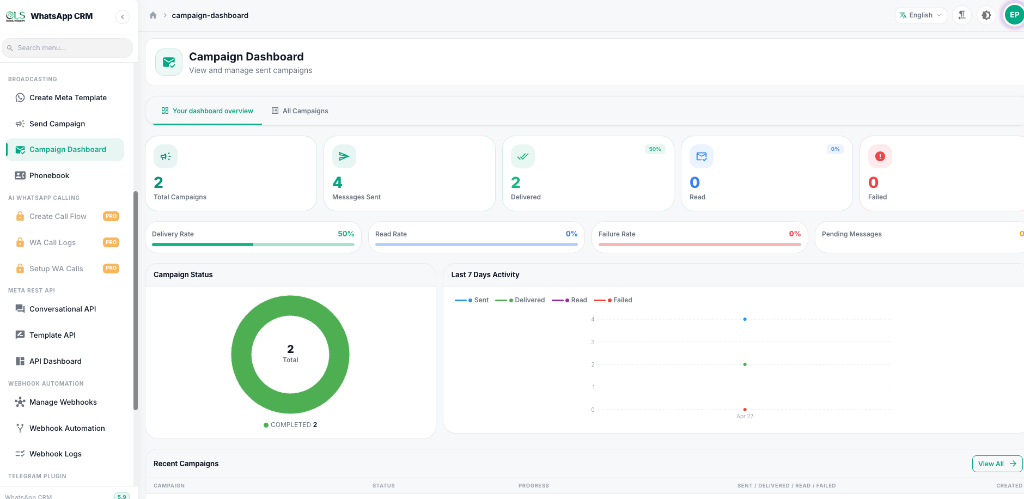
Receive Incoming Messages via Webhook
Set up a Node.js WhatsApp webhook to receive messages in real-time — perfect for building a click to chat nodejs whatsapp flow or automated bot replies:
const express = require('express');
const app = express();
app.use(express.json());
app.post('/webhook/whatsapp', (req, res) => {
const { from, message } = req.body;
console.log(`New WhatsApp message from ${from}: ${message}`);
// Auto-reply logic here
res.sendStatus(200);
});
app.listen(3000);
Whether you are searching for a whatsapp web js alternative, a production-ready baileys replacement, or a twilio whatsapp nodejs competitor — OnlineLiveSupport delivers a stable, official WhatsApp REST API that integrates with nodejs whatsapp applications in minutes. Available on whatsapp npmjs via axios or fetch — no proprietary SDK required.
WhatsApp Node.js for n8n
The official n8n-nodes-whatsapp-crm-marketing package connects OnlineLiveSupport's WhatsApp CRM directly into your n8n automation workflows.
Install via npm
Latest version: v1.4.6 · License: MIT · Author: OnlineLiveSupport.com
🚀 Key Features
Send plain text WhatsApp messages to any recipient instantly.
Share images with optional captions via direct URL.
Send video files with optional captions via direct URL.
Deliver audio messages (AAC format) to recipients.
Share PDFs and documents with optional captions.
Send GPS coordinates with a custom title.
📦 Installation in n8n Dashboard
Log into your n8n Dashboard
Open your self-hosted or cloud n8n instance.
Navigate to Settings → Community Nodes
Click Install a Node (or "Install community node").
Enter the package name
Agree to terms and click Install
The node will be available in your workflow editor immediately.
🔑 Configuration Guide
Connect WhatsApp via QR Code
Log in at crm.onlinelivesupport.com → Add WhatsApp by QR → Add Device → scan QR with your phone.
Retrieve your API Token
Go to the REST API tab and copy your API Token.
Create credentials in n8n
| Field | Value |
|---|---|
| API Key | Paste your API Token from the REST API tab |
| CRM Base URL | https://crm.onlinelivesupport.com (pre-filled) |
Find your WhatsApp "From" Number
Go to your Devices Panel to see your active connected WhatsApp numbers. Use the number (with country code, e.g. +1234567890) as the From Number field.
🛠️ Actions & Parameters
| Message Type | Required Fields |
|---|---|
| Text | Message Text |
| Image | Image URL, Caption (optional) |
| Video | Video URL, Caption (optional) |
| Audio | Audio URL (AAC format) |
| Document | Document URL, Caption (optional) |
| Location | Latitude, Longitude, Title (optional) |
Usage example — send a text message:
From Number: +1234567890
Send To: +9876543210
Type: Text
Text: Hello! Your order has been shipped 🚚
OLS vs whatsapp-web.js vs Baileys vs Twilio
Why developers are switching from unofficial Node.js WhatsApp libraries to OnlineLiveSupport's official API.
| Feature | OnlineLiveSupport API | whatsapp-web.js | Baileys | Twilio WhatsApp |
|---|---|---|---|---|
| Official WhatsApp API | ✅ Yes | ❌ No | ❌ No | ✅ Yes |
| Ban Risk | ✅ None | ❌ High | ❌ High | ✅ None |
| Node.js Compatible | ✅ Yes (REST) | ✅ Yes (npm) | ✅ Yes (npm) | ✅ Yes (SDK) |
| Breaks after WhatsApp update | ✅ Never | ❌ Frequently | ❌ Frequently | ✅ Never |
| Per-message cost | ✅ $0 markup | ✅ Free | ✅ Free | ❌ Per-message fee |
| CRM Dashboard included | ✅ Yes | ❌ No | ❌ No | ❌ No |
| Bulk Broadcast | ✅ Yes | ❌ Risky | ❌ Risky | ✅ Yes |
| AI Chatbot built-in | ✅ Yes | ❌ No | ❌ No | ❌ No |
| Webhook support | ✅ Yes | ✅ Events | ✅ Events | ✅ Yes |
| Starting price | ✅ $30/month | ✅ Free | ✅ Free | ❌ Pay-per-message |
Limitless Integrations
Connect your Node.js WhatsApp app to the tools you already use via native integrations and Webhooks.









Plans for every developer & team
Start free, scale as you grow. No hidden fees, no per-message markup, cancel anytime.
Free Trial
Test the Node.js WhatsApp API for 3 days. No credit card required.
For 3 days
Start Free TrialIncluded Features
- REST API Access
- QR WhatsApp Connection
- Webhook Support
- AI Chatbot
- Contact Limit 10
Starter
REST API, QR login, WhatsApp Blast, chatbot flows, WA Warmer
For 30 days
Get StartedIncluded Features
- Contact Limit 3000
- REST API Access
- Webhook Support
- Chatbot
- WhatsApp Warmer
Pro
All Starter + Inbox, Cloud API, webhooks, Google Sheets, MySQL
For 30 days
Get StartedIncluded Features
- Contact Limit 10000
- Cloud API
- Advanced Webhooks
- Google Sheets
- MySQL Query
Business
All Pro + multi-agent management, 20 WhatsApp Accounts, 30,000 contacts
For 30 days
Get StartedIncluded Features
- Contact Limit 30000
- 20 WhatsApp Accounts
- Multi-Agent Inbox
- Priority Support
Loved by developers & businesses
See what teams building WhatsApp Node.js integrations say about OnlineLiveSupport.
"The platform's reliability is unmatched—no glitches, just smooth operations. Plus, their customer support team is stellar. Worth every star and more!"

"One of the best and reliable services I have ever used. Simple, efficient and cost effective. 100% satisfaction."

"Using eCommerce automations by using Online Live Support, it managed to improve conversations by more than 40%. I will strongly recommend Online Live Support."

"efficace et rapide ! très bon service :-)"

"Long but nice support!"

"Awesome service. Excellent support!"

Frequently Asked Questions
What is whatsapp-web.js and where can I find it on GitHub?
whatsapp-web.js is an unofficial Node.js library available on GitHub at pedroslopez/whatsapp-web.js and on npm as whatsapp-web.js. It reverse-engineers WhatsApp Web but violates WhatsApp ToS. For production use, OnlineLiveSupport's official REST API is a safer alternative with no ban risk.
What is Baileys (WhatsApp Node.js)?
Baileys is an unofficial WhatsApp Node.js library on GitHub and npm that implements the WhatsApp Web multidevice protocol. It frequently breaks after WhatsApp updates and carries ban risk. The official WhatsApp Business API via OnlineLiveSupport is a stable, production-safe replacement.
What is n8n-nodes-whatsapp-crm-marketing?
n8n-nodes-whatsapp-crm-marketing is an official n8n community node by OnlineLiveSupport that connects WhatsApp CRM directly into your n8n workflows. Install it with npm i n8n-nodes-whatsapp-crm-marketing or via n8n Dashboard → Settings → Community Nodes. It supports sending text, images, videos, audio, documents, and locations via WhatsApp — no Meta Business approval needed with QR login.
Is there a WhatsApp Node.js tutorial or example?
Yes. With OnlineLiveSupport, your Node.js WhatsApp tutorial is simple: sign up, connect WhatsApp, get your API token, then use axios.post() or fetch() to send messages. No Puppeteer, no browser, no complex setup — just clean HTTP calls in minutes.
How do I build a Node.js WhatsApp bot?
To build a nodejs whatsapp bot with OnlineLiveSupport: configure a webhook URL in your OLS dashboard pointing to your Node.js Express server, then receive and respond to messages via HTTP. Combine with the AI Chatbot feature to build intelligent bots without writing AI logic yourself.
How does OnlineLiveSupport compare to Twilio WhatsApp Node.js?
OnlineLiveSupport is more affordable than Twilio for WhatsApp. Twilio charges per message on top of your subscription. OLS charges zero markup — you pay Meta directly. Starting at $30/month with a full CRM included, OLS is the preferred twilio whatsapp nodejs alternative for cost-conscious developers.
Is whatsapp-web.js available on npm (whatsapp npmjs)?
Yes, whatsapp-web.js is available on npm via npm install whatsapp-web.js. However, as an unofficial library it risks account bans. OnlineLiveSupport provides an official whatsapp npmjs-compatible workflow — simply use axios or node-fetch to call the OLS REST API without installing any WhatsApp-specific npm packages.
What is the best WhatsApp Web JS alternative?
The best WhatsApp Web JS alternative for Node.js developers is OnlineLiveSupport's official REST API. It offers: no ban risk, stable uptime, full CRM dashboard, broadcast campaigns, AI chatbot, webhooks, and Shopify/WooCommerce integrations — all accessible from Node.js via simple HTTP requests.
Ready to build your WhatsApp Node.js integration?
Join thousands of developers and businesses using OnlineLiveSupport's official WhatsApp API.
Start 3-Day Free Trial