How to integrate
Google Gemini in WhatsApp
Is Gemini available on WhatsApp? Yes! Connect the powerful Google Gemini AI directly to your WhatsApp number to process images, answer complex queries, and automate your workflow in minutes.








How to Add Google Gemini in WhatsApp
Open the Automation Dashboard
To use Google Gemini in WhatsApp, first log into your OnlineLiveSupport account. Navigate to the Automation Flows section in your sidebar.
Open Dashboard
Select AI Transfer & Setup Prompt
Drag the AI Transfer node into your flow. Select your AI provider (e.g., Google Gemini, Gemini, or DeepSeek). Write a system prompt to instruct the AI on how to behave, such as "You are a helpful customer service assistant." Save your flow, and your Gemini WhatsApp number is ready!
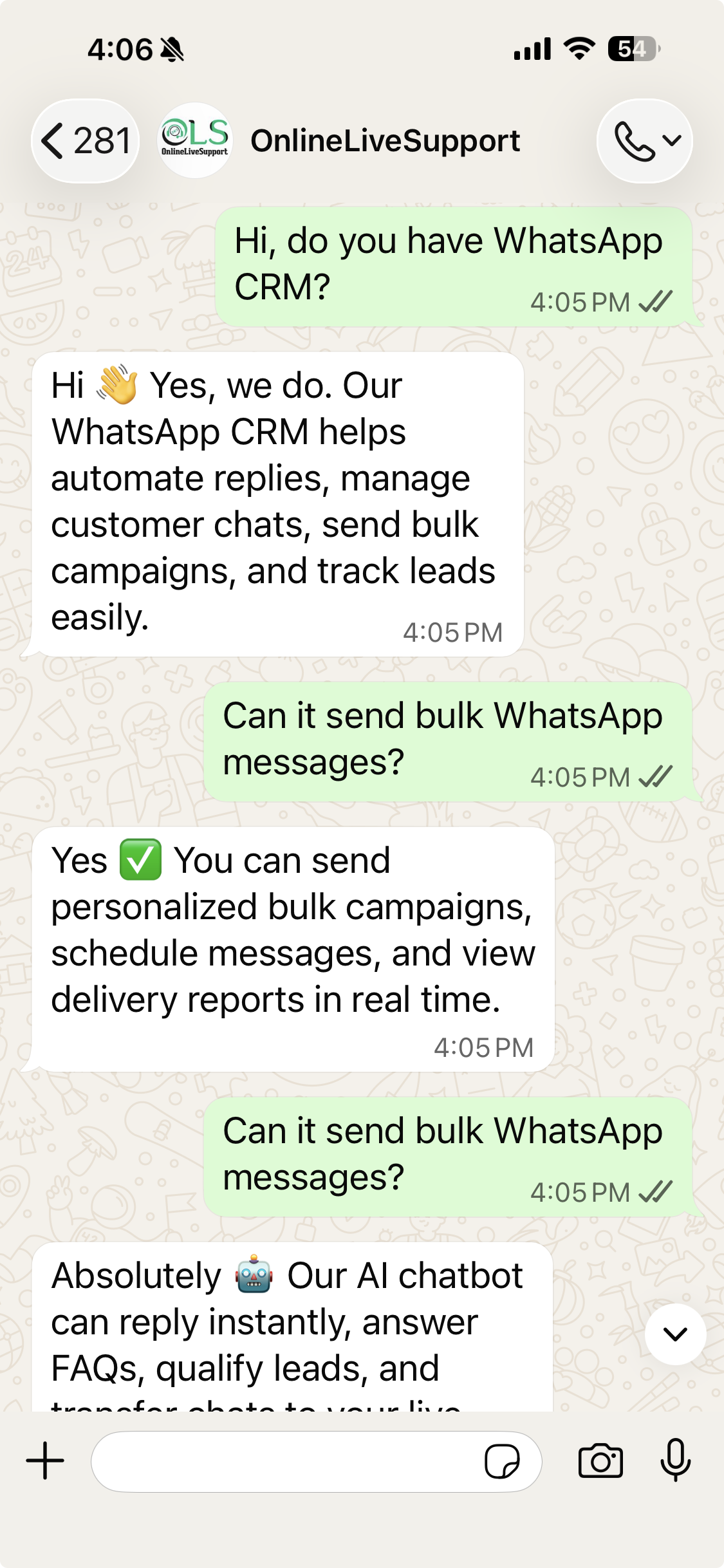
Why choose our WhatsApp CRM Software?
Transform how you manage WhatsApp conversations and scale your business.
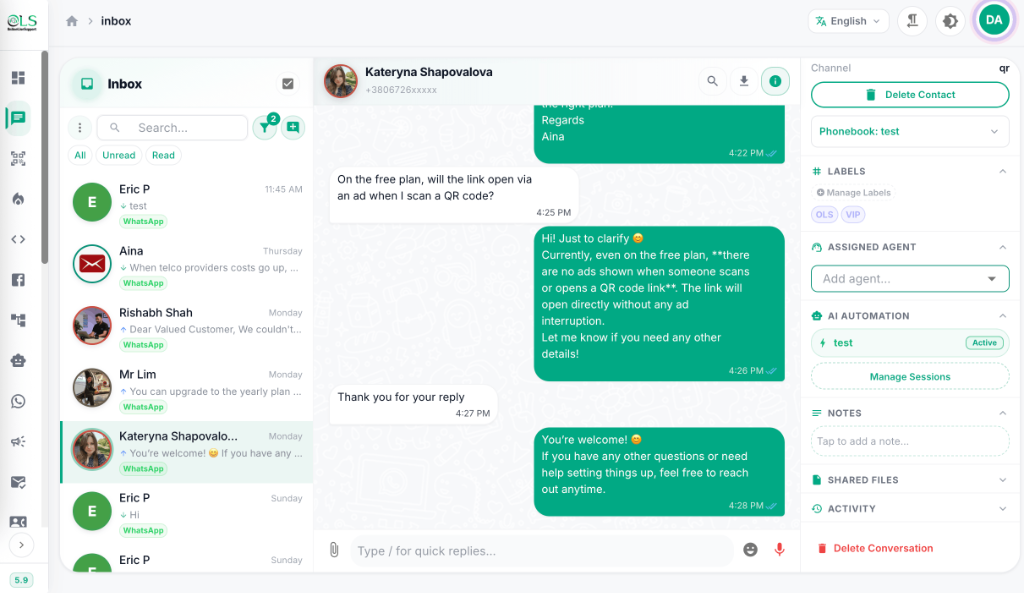
Manage WhatsApp Conversations at Scale
- Consolidate client chats into a single, highly collaborative team inbox.
- Track sales pipelines and deal stages natively within WhatsApp.
- Apply custom CRM tags and private notes so your team never drops a lead.
Secure WhatsApp API Integration
- Connect instantly using our Official Meta API integration for enterprise reliability.
- Sync customer data effortlessly with your existing tools.
- Ensure enterprise-grade security for a truly secure WhatsApp business CRM experience.
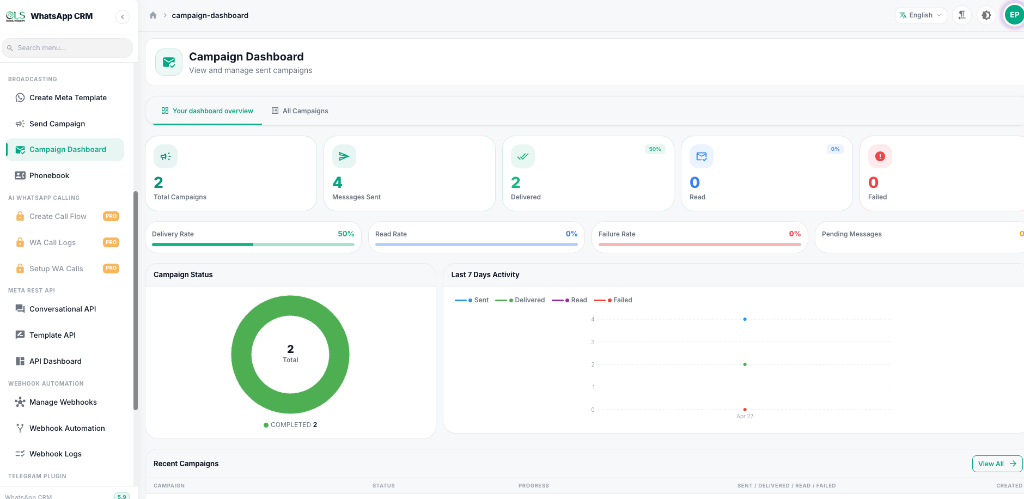
Limitless Integrations
Supercharge your workflow by connecting OnlineLiveSupport with the tools you already use. Build powerful automated pipelines using our native integrations and Webhooks.









Plans for every team size
Start free, scale as you grow. No hidden fees, cancel anytime.
Free Trial
Try all Starter features for 3 days. No credit card required.
For 3 days
Start Free TrialIncluded Features
- Contact Limit 10
- Chat Tags
- Notes
- Chatbot
- Cloud API
QR Features:
- QR Accounts
- QR API
- WhatsApp Warmer
- Telegram Inbox
Starter
WhatsApp Blast, chat notes, chatbot flows, QR login (1 account), REST API, WA Warmer
For 30 days
Get StartedIncluded Features
- Contact Limit 3000
- Chat Tags
- Notes
- Chatbot
- Cloud API
QR Features:
- QR Accounts
- QR API
- WhatsApp Warmer
- Telegram Inbox
Pro
All Starter + Inbox, Cloud API, webhook automation, Google Sheets, Agent Transfer, MySQL Query
For 30 days
Get StartedIncluded Features
- Contact Limit 10000
- Chat Tags
- Notes
- Chatbot
- Cloud API
QR Features:
- QR Accounts 3
- QR API
- WhatsApp Warmer
- Telegram Inbox
Business
All Pro + multi-agent management, 20 WhatsApp Accounts to connect, 30,000 contact limit
For 30 days
Get StartedIncluded Features
- Contact Limit 30000
- Chat Tags
- Notes
- Chatbot
- Cloud API
QR Features:
- QR Accounts 20
- QR API
- WhatsApp Warmer
- Telegram Inbox
Loved by our users
See what businesses are saying about their experience with OnlineLiveSupport.
"The platform’s reliability is unmatched—no glitches, just smooth operations. Plus, their customer support team is stellar. Worth every star and more!"

"One of the best and reliable services I have ever used. Simple, efficient and cost effective. 100% satisfaction."

"Using eCommerce automations by using Online Live Support, it manage to improve the conversations more than 40% (previously email they were getting not more than 10%). I will strongly recommend Online Live Support"

"efficace et rapide ! très bon service :-)"

"Long but nice support !"

"Awesome service. Excellent support!"

Frequently Asked Questions
What is a WhatsApp CRM?
A WhatsApp CRM is a customer relationship management tool integrated directly with WhatsApp. It allows sales and support teams to manage chats, organize contacts, and track deals all from one dashboard.
How does WhatsApp CRM by OnlineLiveSupport help my business?
It supercharges your team's efficiency with shared team inboxes, automated workflows, and instant API integrations, ensuring you never miss a lead or customer message.
Is it easy to integrate with my existing tools?
Yes! Our WhatsApp API integration seamlessly connects with your existing tech stack to keep your customer data synced.
Ready to scale your communications?
Join thousands of businesses using WhatsApp CRM by OnlineLiveSupport.
Start Your Free 3-day Trial