How to Create a
Bot in WhatsApp
Deploy a highly interactive bot of WhatsApp on your business number. Automate replies, assign chats, run visual chatbot flows, and scale operations easily in minutes.








How to Setup a Bot in WhatsApp
Sign Up & Open Dashboard
Log into your OnlineLiveSupport account. Access the unified CRM dashboard where you can easily connect and manage your WhatsApp Business number.
Sign Up Free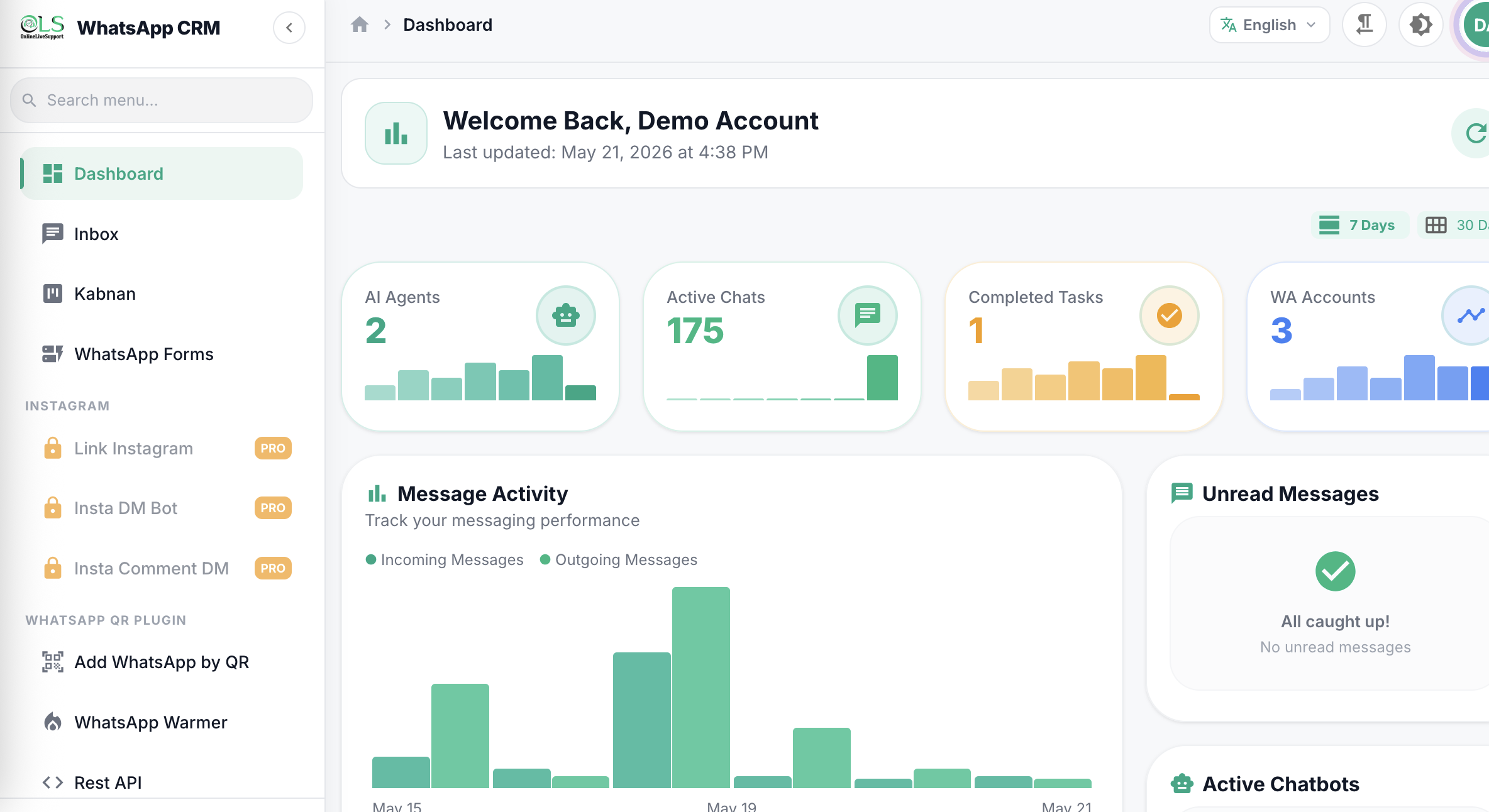
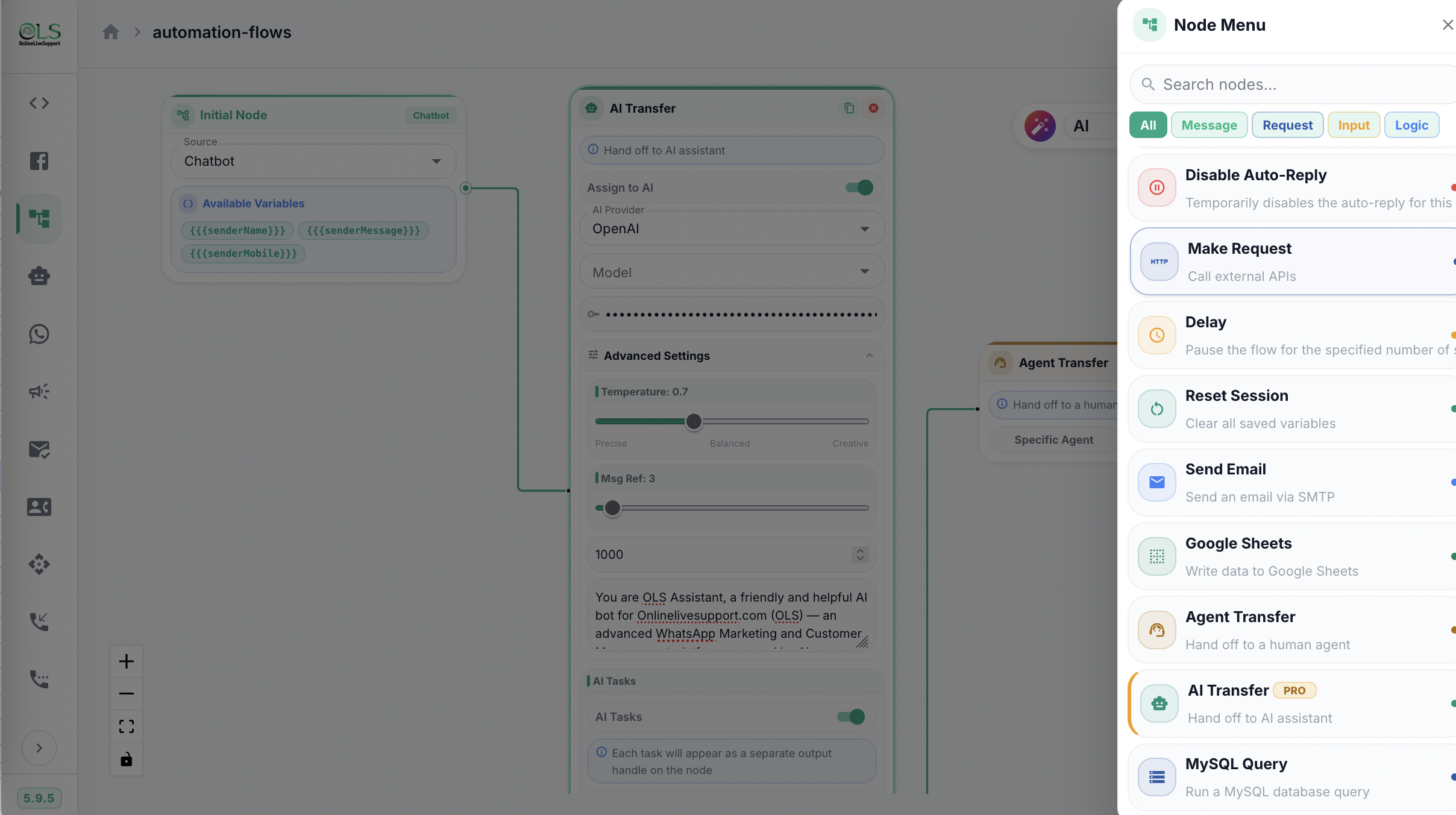
Build Your Automation Flow
Go to Automation Flows. Drag and drop visual nodes (like buttons, lists, files, and AI transfers) to build custom communication journeys without coding.
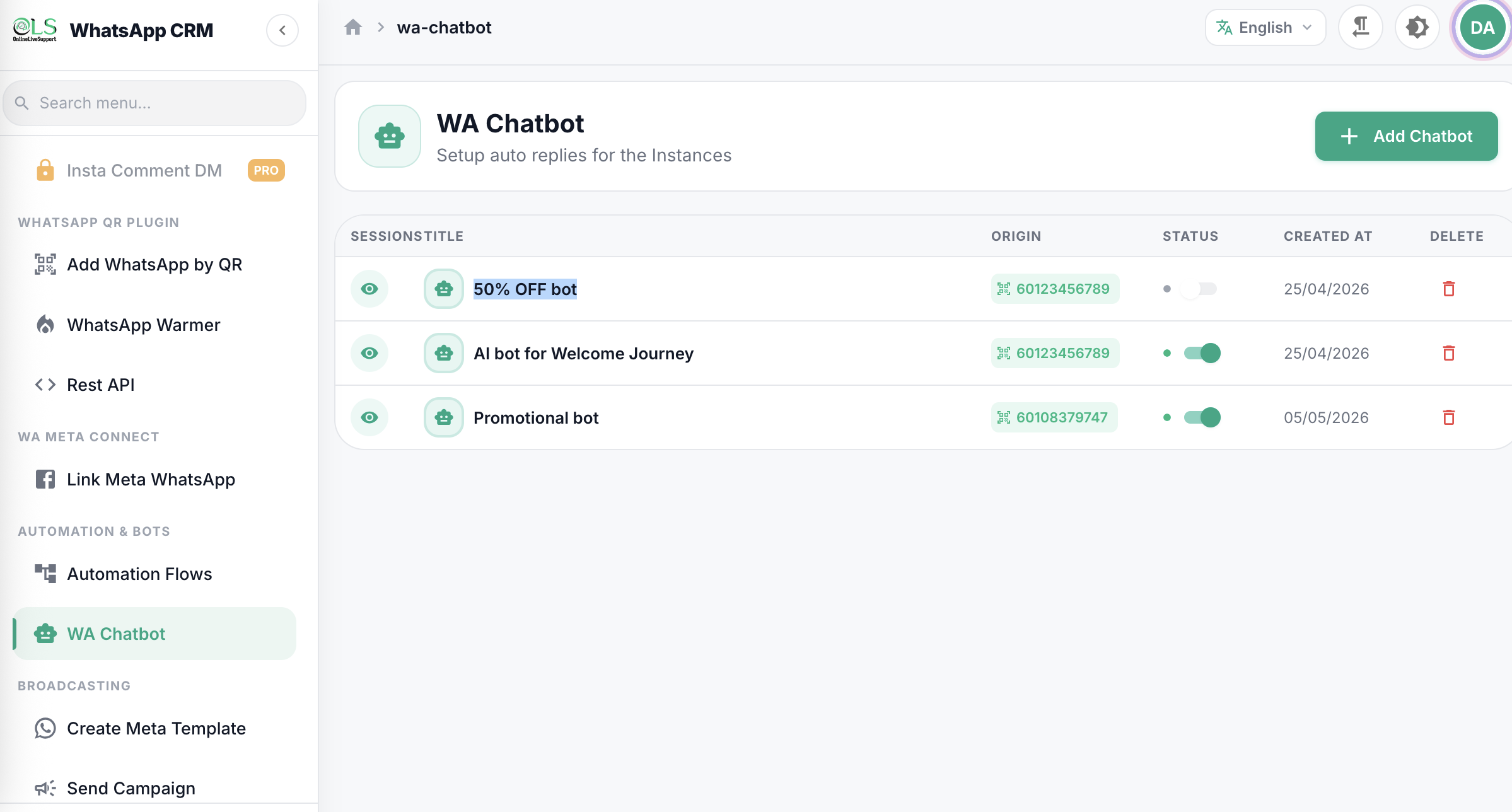
Enable the WhatsApp Chatbot
Go to the WA Chatbot settings. Connect your visual flow to your phone number, toggle the activation switch, and your bot is fully live 24/7!
Why choose our WhatsApp CRM Software?
Transform how you manage WhatsApp conversations and scale your business.
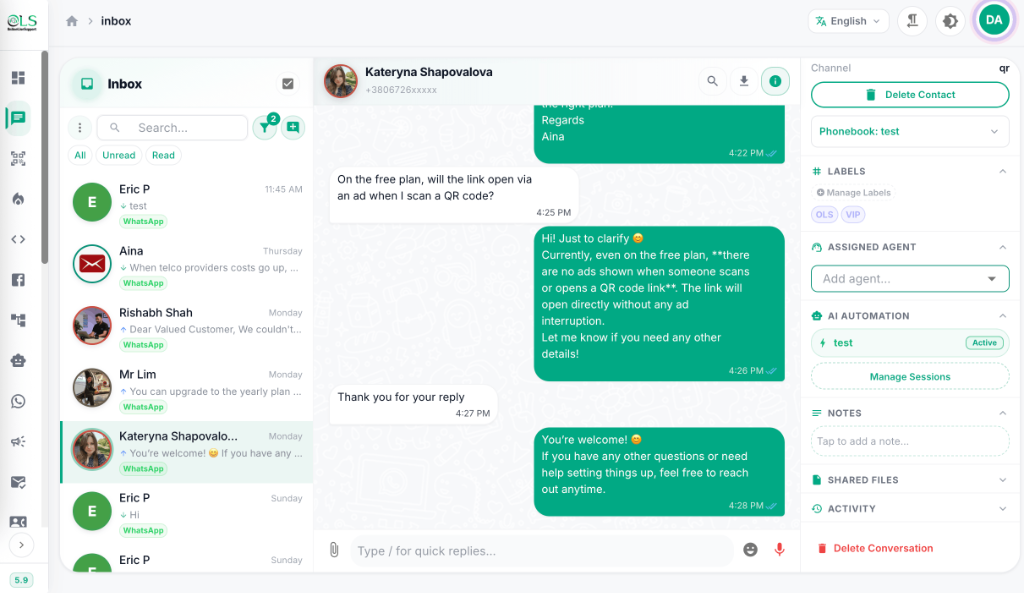
Manage WhatsApp Conversations at Scale
- Consolidate client chats into a single, highly collaborative team inbox.
- Track sales pipelines and deal stages natively within WhatsApp.
- Apply custom CRM tags and private notes so your team never drops a lead.
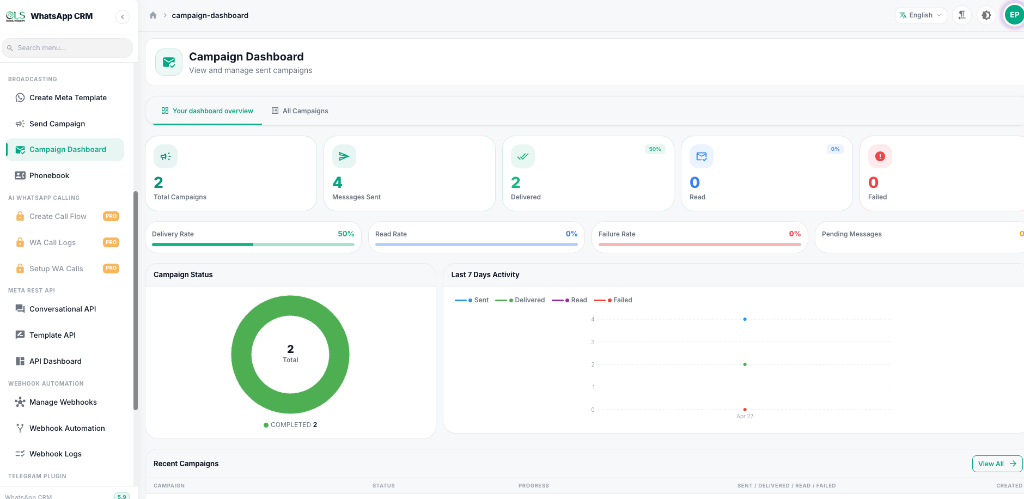
Secure WhatsApp API Integration
- Connect instantly using our Official Meta API integration for enterprise reliability.
- Sync customer data effortlessly with your existing tools.
- Ensure enterprise-grade security for a truly secure WhatsApp business CRM experience.
Limitless Integrations
Supercharge your workflow by connecting OnlineLiveSupport with the tools you already use. Build powerful automated pipelines using our native integrations and Webhooks.










Plans for every team size
Start free, scale as you grow. No hidden fees, cancel anytime.
Free Trial
Try all Starter features for 3 days. No credit card required.
For 3 days
Start Free TrialIncluded Features
- Contact Limit 10
- Chat Tags
- Notes
- Chatbot
- Cloud API
QR Features:
- QR Accounts
- QR API
- WhatsApp Warmer
- Telegram Inbox
Starter
WhatsApp Blast, chat notes, chatbot flows, QR login (1 account), REST API, WA Warmer
For 30 days
Get StartedIncluded Features
- Contact Limit 3000
- Chat Tags
- Notes
- Chatbot
- Cloud API
QR Features:
- QR Accounts
- QR API
- WhatsApp Warmer
- Telegram Inbox
Pro
All Starter + Inbox, Cloud API, webhook automation, Google Sheets, Agent Transfer, MySQL Query
For 30 days
Get StartedIncluded Features
- Contact Limit 10000
- Chat Tags
- Notes
- Chatbot
- Cloud API
QR Features:
- QR Accounts 3
- QR API
- WhatsApp Warmer
- Telegram Inbox
Business
All Pro + multi-agent management, 20 WhatsApp Accounts to connect, 30,000 contact limit
For 30 days
Get StartedIncluded Features
- Contact Limit 30000
- Chat Tags
- Notes
- Chatbot
- Cloud API
QR Features:
- QR Accounts 20
- QR API
- WhatsApp Warmer
- Telegram Inbox
Loved by our users
See what businesses are saying about their experience with OnlineLiveSupport.
"The platform’s reliability is unmatched—no glitches, just smooth operations. Plus, their customer support team is stellar. Worth every star and more!"

"One of the best and reliable services I have ever used. Simple, efficient and cost effective. 100% satisfaction."

"Using eCommerce automations by using Online Live Support, it manage to improve the conversations more than 40% (previously email they were getting not more than 10%). I will strongly recommend Online Live Support"

"efficace et rapide ! très bon service :-)"

"Long but nice support !"

"Awesome service. Excellent support!"

Frequently Asked Questions
Is there any bot for WhatsApp?
Yes, you can easily create and integrate a chatbot on your WhatsApp number using a professional platform like OnlineLiveSupport.
How to tell if it's a bot on WhatsApp?
WhatsApp bots reply instantly, use interactive lists or buttons, and often carry a WhatsApp Business label in their chat profile details.
How do I set a bot on my WhatsApp?
Sign up for OnlineLiveSupport, connect your number, design a drag-and-drop conversational path in Automation Flows, and activate it in the WA Chatbot menu.
Are WhatsApp bots legal?
Yes, WhatsApp chatbots are 100% legal. Meta actively encourages companies to deploy official WhatsApp Business API chatbots to scale their support.
Are bots good or bad?
Bots are extremely helpful. They provide instant 24/7 replies to common customer queries, while smoothly routing complex cases to live agents.
How can I send 5000 WhatsApp messages at once?
You can send bulk marketing campaigns to 5,000+ customers simultaneously using OnlineLiveSupport's Campaign tool, complying with Meta's daily API limits.
Ready to scale your communications?
Join thousands of businesses using WhatsApp CRM by OnlineLiveSupport.
Start Your Free 3-day Trial