
In today’s digital age, businesses need faster, smarter, and more personal ways to communicate with customers. A WhatsApp CRM powered by Online Live Support (OLS) allows you to manage conversations, automate workflows, and increase conversions—all within the world’s most popular messaging app.

Why Your Business Needs WhatsApp CRM
Modern customers don’t want to wait for emails or long response times—they want real-time communication. By integrating WhatsApp with a CRM system, you can:
Centralize customer conversations in one dashboard
Personalize interactions with customer data and insights
Automate marketing, sales, and support workflows
Improve response times and close deals faster
Build stronger relationships on a platform your customers already use
According to research, businesses using WhatsApp Business API and CRM tools report up to a 45% boost in conversions thanks to instant engagement and personalized support.
Key Features of Online Live Support’s WhatsApp CRM
With OLS WhatsApp CRM, you don’t just chat—you create powerful customer experiences:
Unified Inbox for All Conversations
Manage multiple customer chats in one easy-to-use dashboard.
Multi-Agent Collaboration
Assign conversations to different team members and ensure faster response times.
Automated Chatbots and Flows
Save time with intelligent automation—answer FAQs, qualify leads, and route chats automatically.
Broadcast and Campaign Messaging
Send bulk updates, promotions, and reminders while staying compliant with WhatsApp Business guidelines.
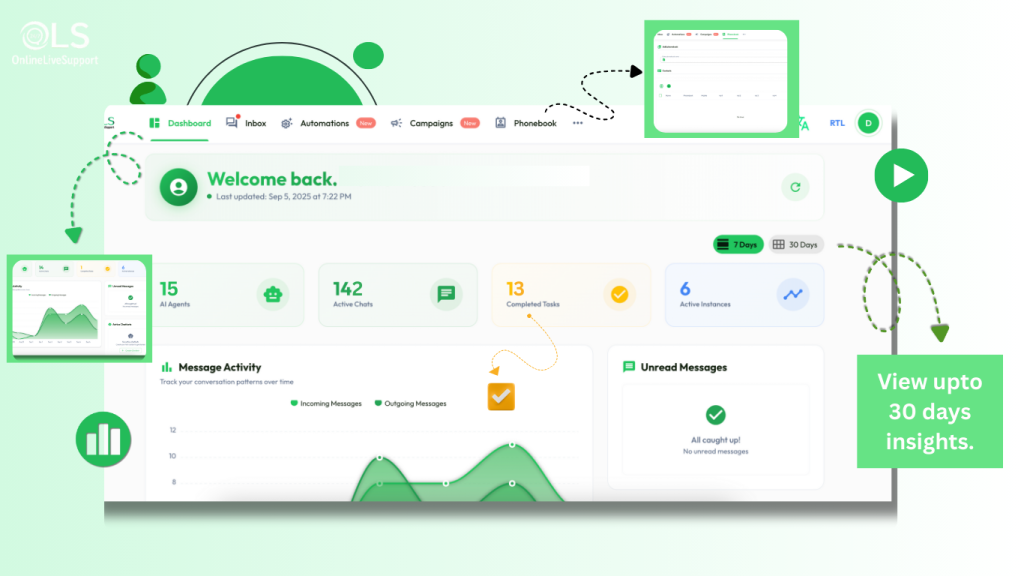
Analytics and Reports
Track customer interactions, response times, and agent performance to continuously improve.
How WhatsApp CRM Works with OLS
Getting started with Online Live Support WhatsApp CRM is simple:
Sign up and connect your WhatsApp Business API.
Set up automation for sales, support, or marketing.
Manage conversations through your central dashboard.
Measure and grow with real-time analytics and reports.
Within minutes, you’ll be ready to engage with customers in the most effective way possible.
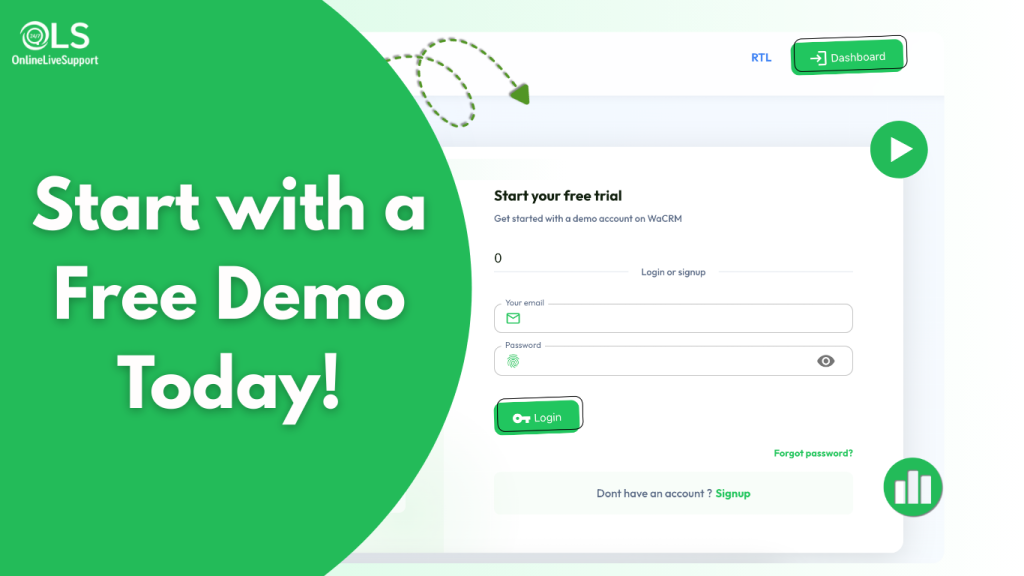
How to get Started with OnlineLiveSupport.com
Powerful Integrations with Your Business Tools
To help you sell more and support customers better, Online Live Support WhatsApp CRM integrates seamlessly with popular platforms:
Shopify Integration
Engage with your e-commerce customers directly on WhatsApp. Send order confirmations, shipping updates, and promotional messages automatically.
WooCommerce Integration
Turn every WooCommerce order into a conversation. Provide real-time order updates, answer product queries, and boost repeat sales.
Other Integrations
Connect WhatsApp CRM with leading CRMs, marketing tools, and support systems to centralize all your customer data and workflows in one place.
These integrations ensure that you can manage sales, support, and marketing without switching between multiple tools.
Why Choose Online Live Support for WhatsApp CRM?
Unlike generic chat tools, OLS WhatsApp CRM is:
Easy to set up with no technical complexity
Privacy-first and fully compliant with WhatsApp guidelines
Tailored for small businesses, agencies, and enterprises
Scalable to grow with your business needs
With Online Live Support, you don’t just get software—you get a reliable partner for customer engagement and growth.
Get Started Today
If you want to increase conversions, close deals faster, and deliver exceptional customer service, then it’s time to integrate WhatsApp CRM into your business.
Frequently Asked Questions (FAQs)
What is WhatsApp CRM?
A WhatsApp-CRM integrates WhatsApp Business with a customer relationship management system, allowing businesses to manage conversations, track leads, and automate workflows—all in one place.
Is CRM suitable for small businesses?
Yes. Online Live Support’s WhatsApp-CRM is designed for businesses of all sizes. It is simple, cost-effective, and helps small teams manage customer interactions more efficiently.
Does WhatsApp CRM support automation?
Yes. You can set up chatbots, automated replies, lead qualification, and broadcast campaigns—all while staying compliant with WhatsApp’s rules.