
If your business isn’t using a WhatsApp chatbot, you’re leaving money on the table. Customers no longer want to wait on hold, fill out contact forms, or wait for email replies. They want instant answers, quick solutions, and easy shopping—all inside WhatsApp.
Generate Leads Automatically
Close Sales Faster with Personalized Chats
Cut Support Costs by 60%
Boost Customer Satisfaction Instantly
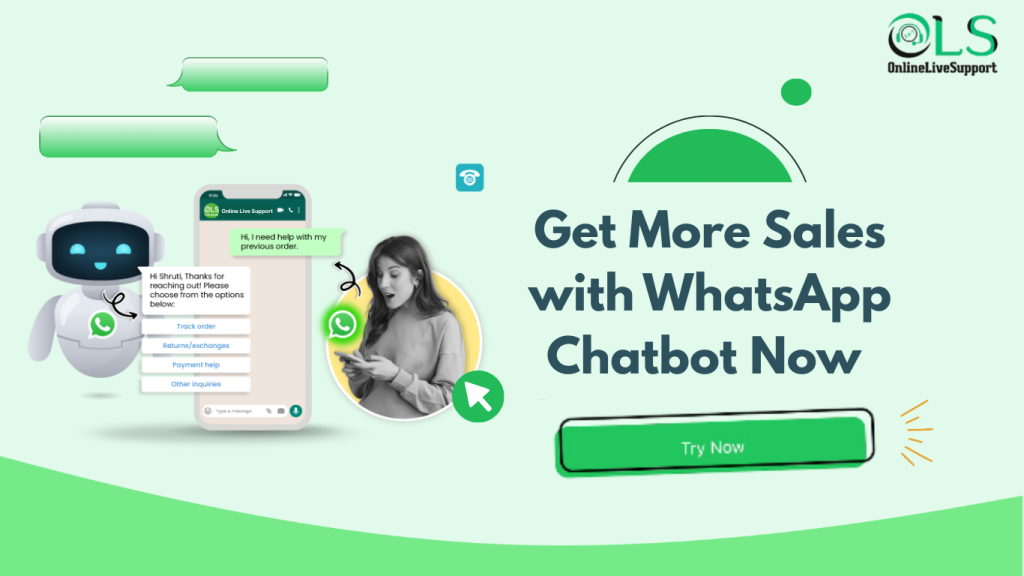
How WhatsApp Chatbot Turns Chats into Revenue
1. Instant Lead Capture
No more cold forms. Your WhatsApp Chatbot qualifies leads in real time, capturing phone numbers, emails, and preferences instantly.
2. Faster Sales Conversions
Send product recommendations, answer objections, and guide customers to checkout—all inside WhatsApp.
3. Automated Follow-Ups
Never lose a lead again. Your chatbot sends reminders, promotions, and order updates automatically.
4. 24/7 Availability
Whether it’s 3 PM or 3 AM, your WhatsApp Chatbot never sleeps. Customers get instant replies, and you never miss an opportunity.
Industries Already Winning with WhatsApp Chatbots
E-commerce Stores – Automating product catalogs, checkout, and order tracking
Real Estate Agencies – Qualifying leads and scheduling property tours instantly
Healthcare Clinics – Managing appointments and patient FAQs
Restaurants & Delivery Services – Handling orders, reservations, and delivery updates
If your competitors aren’t using it yet, this is your chance to get ahead.
Steps to Create a WhatsApp Chatbot
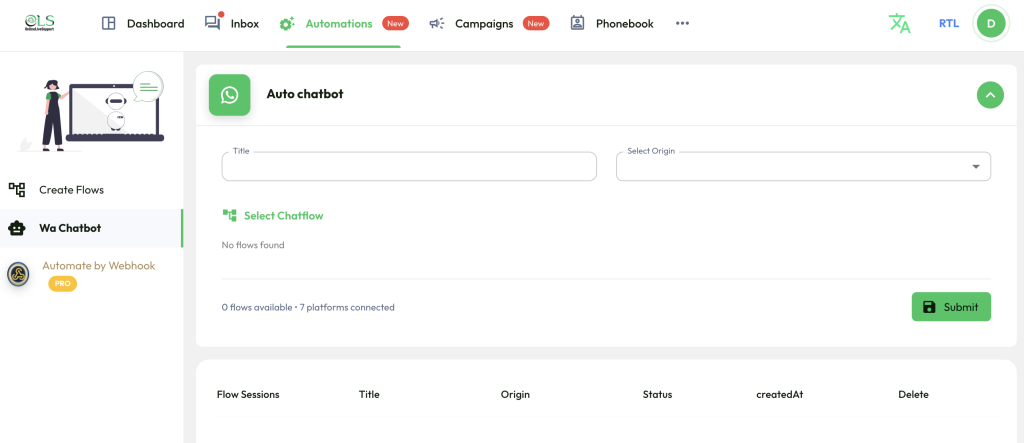
1. Login to Dashboard
From the main navigation, click Automations → Wa Chatbot.
2. Create Flows
On the left sidebar, click Create Flows.
Design your chatbot conversation by adding:
Messages
Quick replies
Conditions
Actions
Save the flow once it’s complete.
3. Configure Auto Chatbot
Go to the Auto Chatbot section.
Fill in the details:
Title → Enter a descriptive name (e.g., Customer Support Bot).
Select Origin → Choose the WhatsApp number/account connected.
4. Select Chatflow
Under Select Chatflow, choose the flow you created in step 2.
If no flows are available, first create and save one.
5. Submit
After selecting the chatflow, click the green Submit button.
6. Manage Flow Sessions
At the bottom section (Flow Sessions), you can monitor:
Title → Name of the chatbot flow
Origin → WhatsApp account linked
Status → Active/Inactive
Created At → Date when the chatbot was set up
Delete → Option to remove the chatbot
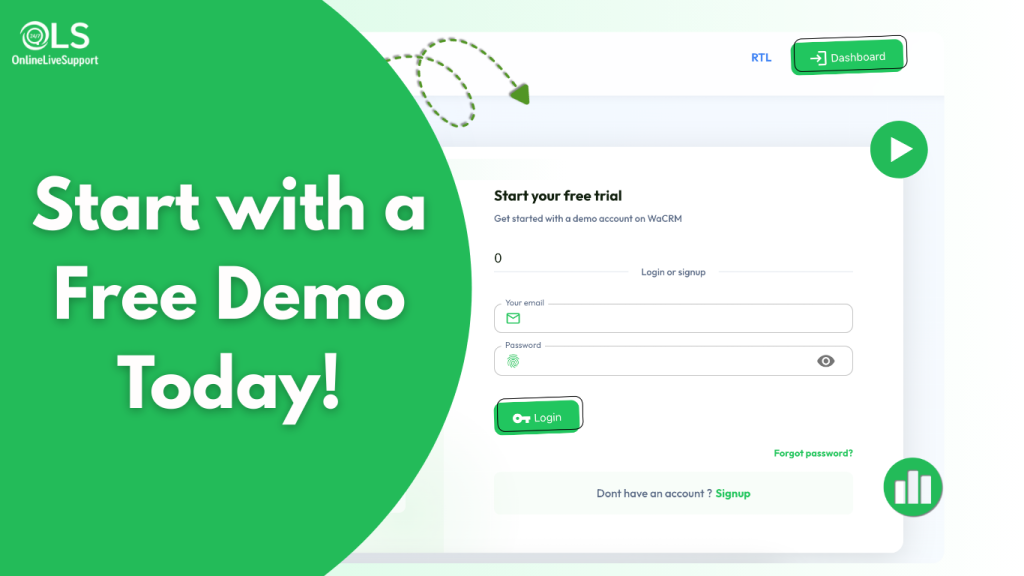
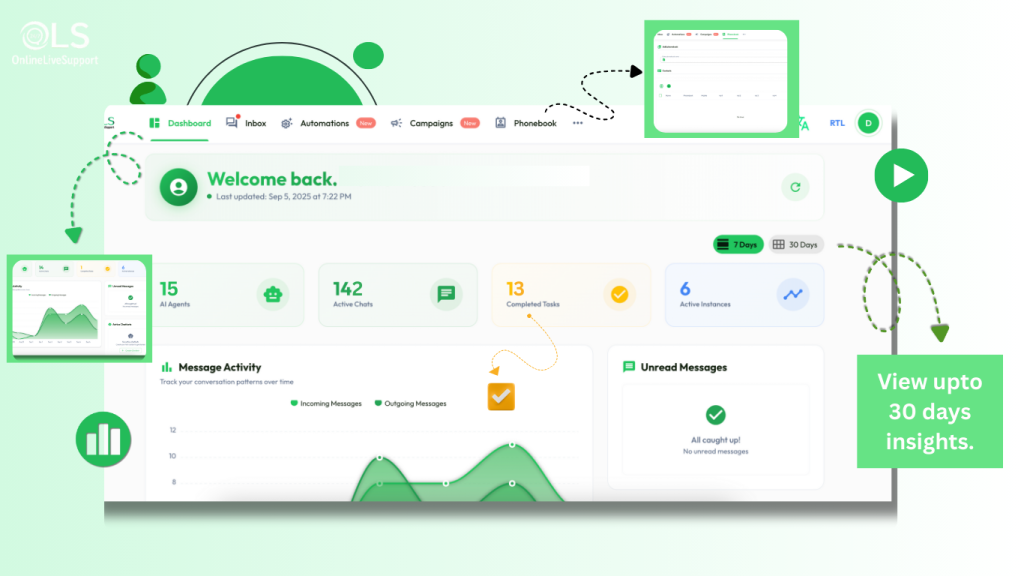
How to get Started with OnlineLiveSupport.com
Why Choose Online Live Support’s WhatsApp Chatbot?
Unlike generic chatbot tools, we design WhatsApp Chatbots built for conversions.
Easy integration with your CRM
Customizable workflows to match your business
Multilingual support for global customers
Affordable pricing plans for every business size
We don’t just give you a chatbot—we give you a revenue-generating machine.
Frequently Asked Questions (FAQs)
Can WhatsApp Chatbot increase my sales?
Yes. By providing instant responses, personalized offers, and automated follow-ups, businesses see up to 30% higher conversion rates.
Is Online Live Support’s WhatsApp Chatbot easy to set up?
Absolutely. Our solution is plug-and-play. No coding required. You’ll be live in minutes.
Is it affordable for small businesses?
Yes. Our plans are built to fit every business size—from startups to enterprises.