WhatsApp Template: Create, Customize & Connect with Customers Effortlessly

What is a WhatsApp Template?

A WhatsApp template is a pre-approved message format that businesses use to engage with customers on WhatsApp. Since WhatsApp Business enforces strict rules to prevent spam, templates must follow guidelines and be submitted for approval before use.

Templates are useful for:

Appointment reminders, Payment confirmations & shipping updates, Promotional offers & campaign launches, Customer service follow-ups. They ensure communication is professional, consistent, and compliant.

Challenges Businesses Face with WhatsApp Templates

  • Approval issues if formats are incorrect


  • Confusing categories (Utility, Marketing, Authentication)


  • Strict naming rules many overlook


  • No preview options before submission


That’s why Online Live Support is built in a simpler way.


6 Simple Steps to Create a WhatsApp Template with Online Live Support

Why Use WhatsApp Templates in Campaigns?

  • Faster Campaigns – Approved templates mean you can start sending instantly.

  • Compliance – Stay within WhatsApp’s business messaging policies.

  • Personalization – Scale messages while keeping them customer-focused.

  • Automation Ready – Perfect for bulk messaging and chatbots.

Why Choose Online Live Support for WhatsApp Templates?

Unlike creating templates in Meta Business Manager, our tool is user-friendly, visual, and integrated with campaigns.

  • Preview before sending

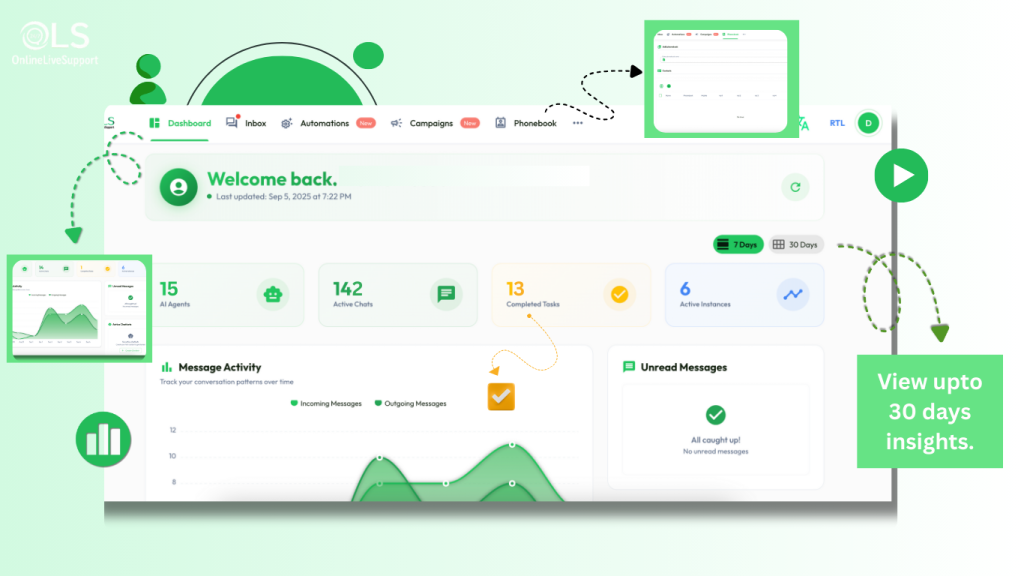
  • Built-in CRM integration

  • One-click campaign launch

  • Faster approvals

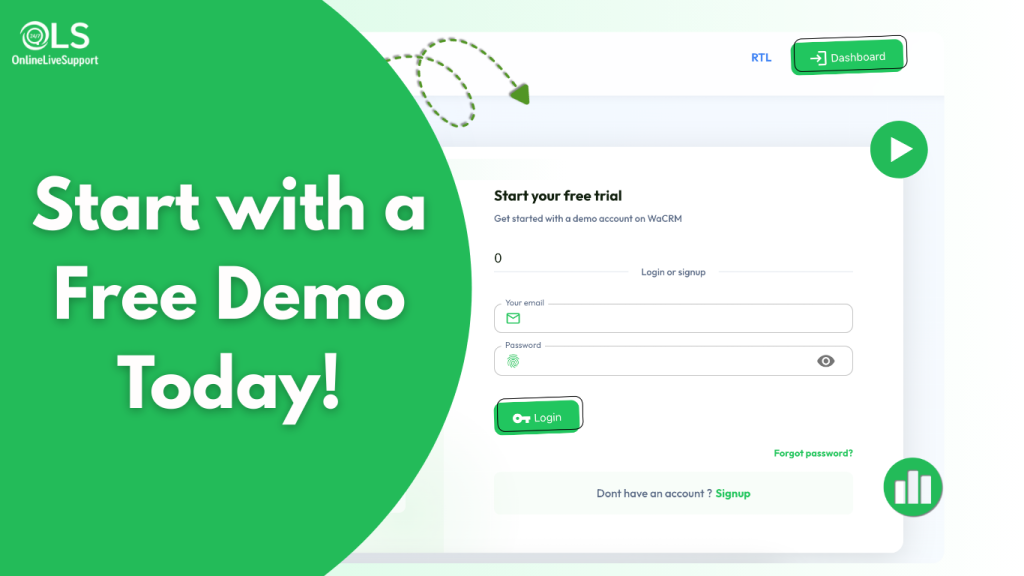
How to get Started with OnlineLiveSupport.com

Frequently Asked Questions (FAQs)

Why do WhatsApp templates need approval?

To protect users from spam, WhatsApp reviews templates for quality and compliance.

 Usually a few minutes to hours, depending on Meta’s review queue.

 Yes, you can generate unlimited templates for different use cases.

Leave a Comment

Your email address will not be published. Required fields are marked *

Scroll to Top